From Retirement to Digital Entrepreneur: How I Built a $1,000 Monthly Passive Income with AI

👉 Start Your Journey: Access the Full 118-Page AI Blueprint Now
Working from home sounds great until you realize how easy it is to get distracted, feel tired, and lose focus by 2 p.m. A productive home office is not about having a Pinterest-perfect setup. It is about having a few intentional essentials that reduce friction and help you focus on what matters.
In this post, I will walk you through the home office must haves for productivity that I wish I had set up much earlier. These are simple, realistic items that make your workday smoother, not more complicated.
1. A Chair That Supports Your Back (Not Destroys It)
You probably sit longer than you think. A bad chair quietly drains your energy: your lower back hurts, your shoulders get tight, and by the evening you are exhausted for no clear reason.
What to look for in a home office chair:
- Adjustable height so your feet rest flat on the floor
- Back support that follows the natural curve of your spine
- Enough cushioning for long sitting sessions
- Armrests that let your shoulders relax instead of reaching up
If a full ergonomic chair is not in your budget yet, a good seat cushion + lumbar support pillow is still a big upgrade over a random dining chair.
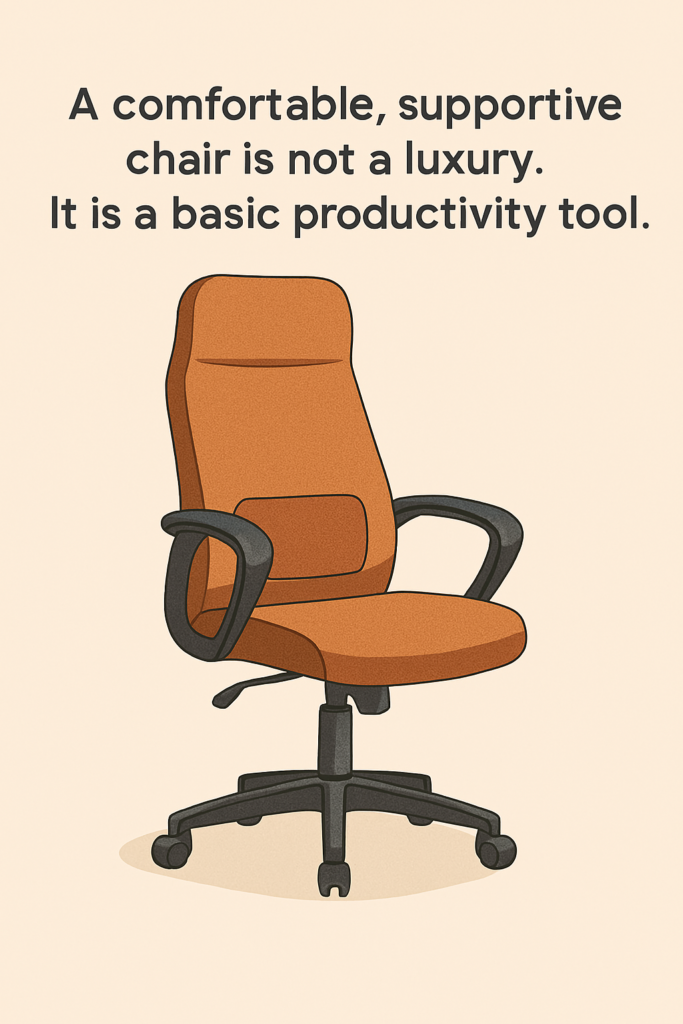
If you are looking for an easy upgrade, I recommend starting with a supportive ergonomic chair or even a simple lumbar pillow like the ones here – they are often cheaper than a full chair but make a huge difference in comfort.
2. A Desk That Fits Your Space and Your Body
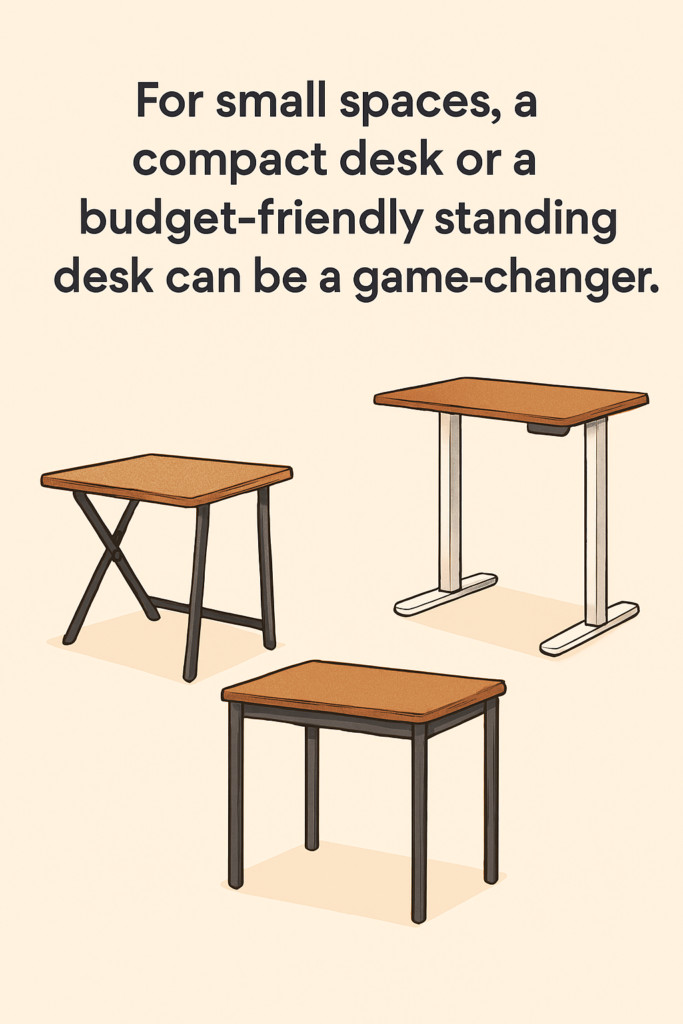
You do not need a massive setup. But you do need a desk that is:
- Stable (does not wobble when you type)
- Deep enough to hold your monitor or laptop at a healthy distance
- At the right height so your elbows are roughly at 90 degrees
Many people upgrade to a standing desk and then never actually stand. If you are not sure yet, start with:
- An affordable regular desk
- A simple desk riser or laptop stand
- A clear plan for how you want to use standing vs sitting during the day
The real goal is to avoid hunching over and shrinking into the screen.
3. A Monitor or Laptop Setup That Saves Your Neck
One of the most overlooked home office must haves for productivity is a proper screen setup. Staring down at a laptop all day strains your neck, shoulders, and even your eyes.
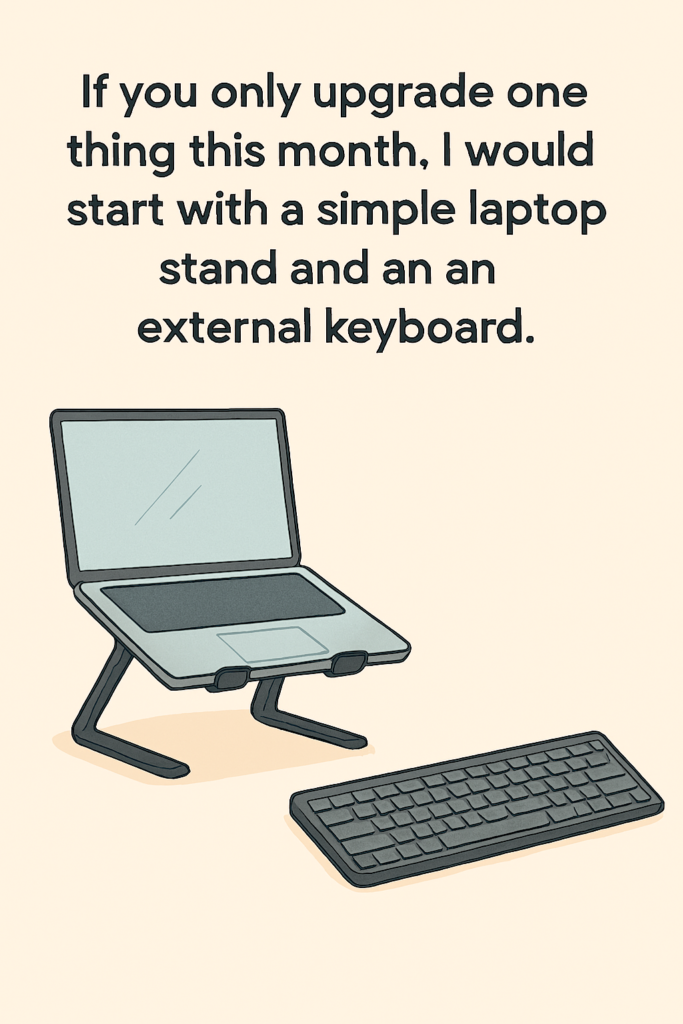
Minimum setup for most people:
- A laptop stand that raises the screen so the top is at or slightly below eye level
- An external keyboard and mouse so your arms and wrists can stay relaxed
If you can add an external monitor, even better:
- More screen space for multitasking
- Easier to keep good posture
- Less squinting and zooming in constantly
Think of this as an investment in your future body, not just your current to-do list.
Financial Stability Starts with Control — Not More Income
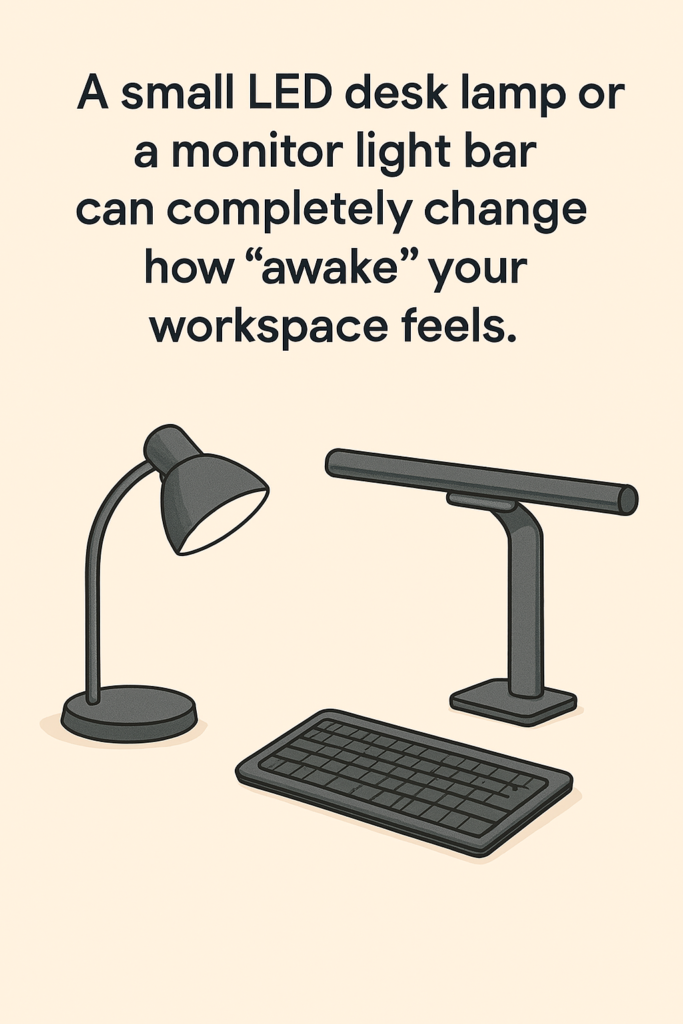
4. Lighting That Keeps You Awake (Without Hurting Your Eyes)
Bad lighting makes you tired faster than you realize. If your room is too dark or your only light is a harsh overhead bulb, your eyes and brain work harder than necessary.
Better lighting for a productive home office:
- Whenever possible, place your desk near a window with side lighting, not directly behind or in front of it
- Add a desk lamp with warm–neutral white (around 3,000–4,000K) so the light feels natural
- Avoid strong light directly behind your monitor, which creates glare
Soft, even lighting helps you stay alert, focused, and less tense.
5. Noise Control: Headphones and Sound Options
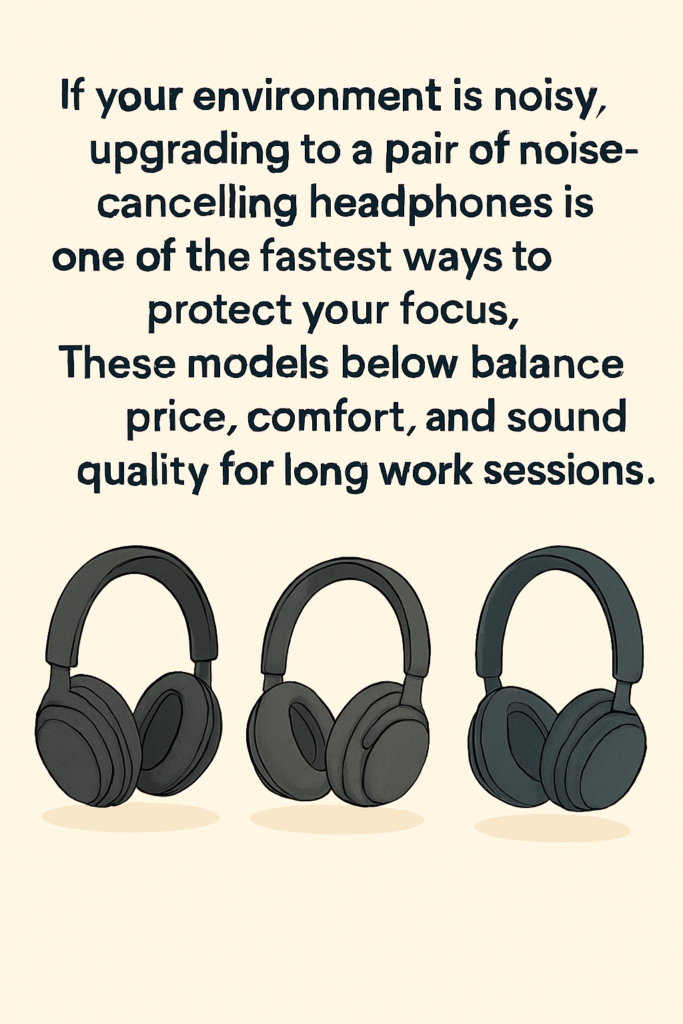
Even if you work alone, noise can still be a problem: traffic outside, neighbors, or notifications from your phone.
Here are simple tools that help:
- Noise-cancelling headphones for deep-focus work
- Or comfortable in-ear earbuds if you prefer something lighter
- A focus playlist or neutral background sounds (like rain or café noise)
You do not need perfect silence. You just need a sound environment that your brain can quickly get used to so you can focus on the actual work.
6. A Simple Organization System (Not a Perfect One)
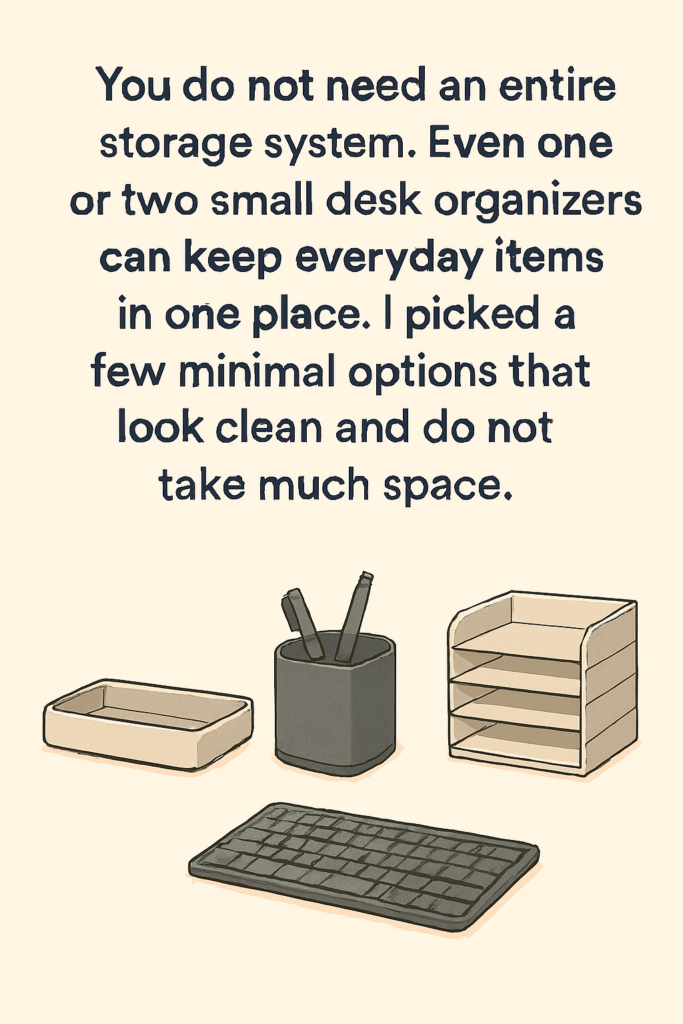
A messy desk equals a messy mind for many people. At the same time, over-organizing can become its own distraction.
Aim for “easy to reset” instead of “perfectly tidy”.
Simple organization must haves:
- A small desk tray or drawer for daily essentials: pen, notebook, charger, earbuds
- A vertical file stand or magazine holder for the few papers you actually need
- A habit of doing a 2-minute reset at the end of the day: clear cups, put cables away, close your notebook
Your future self will thank you every morning when you sit down to a calm, ready desk.
7. A Notepad or Second Brain Within Arm’s Reach
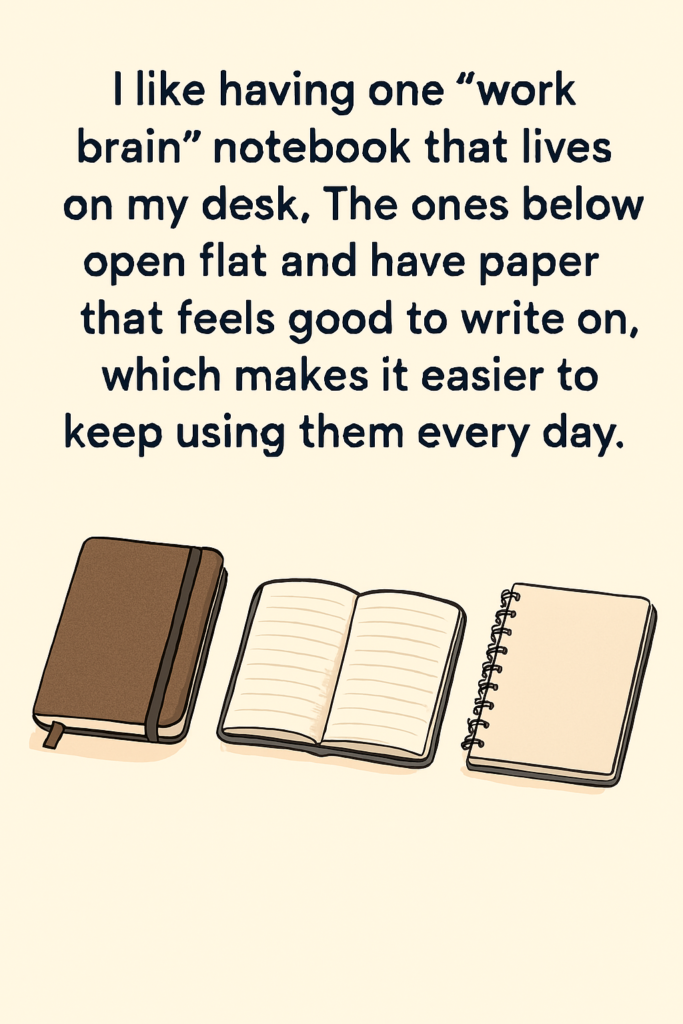
Productivity is not just about tools. It is also about how you manage your thoughts.
During the day, random ideas and tasks will pop into your mind. If you do not capture them, they keep spinning in the background and steal your focus.
Two simple options:
- A physical notebook for quick brain dumps and sketches
- A digital note app (like Notion) with a single “Inbox” page for new thoughts
Whenever you feel scattered, pause and write down:
- What you are currently doing
- Any thoughts or worries that are interrupting you
- The next one small step you need to take
This tiny habit alone can give you more clarity than any fancy gadget.
8. Comfort Items That Keep You Going Longer
Small comfort upgrades can quietly increase your time-on-task without feeling like you are forcing yourself.
Consider:
- A wrist rest if you type a lot
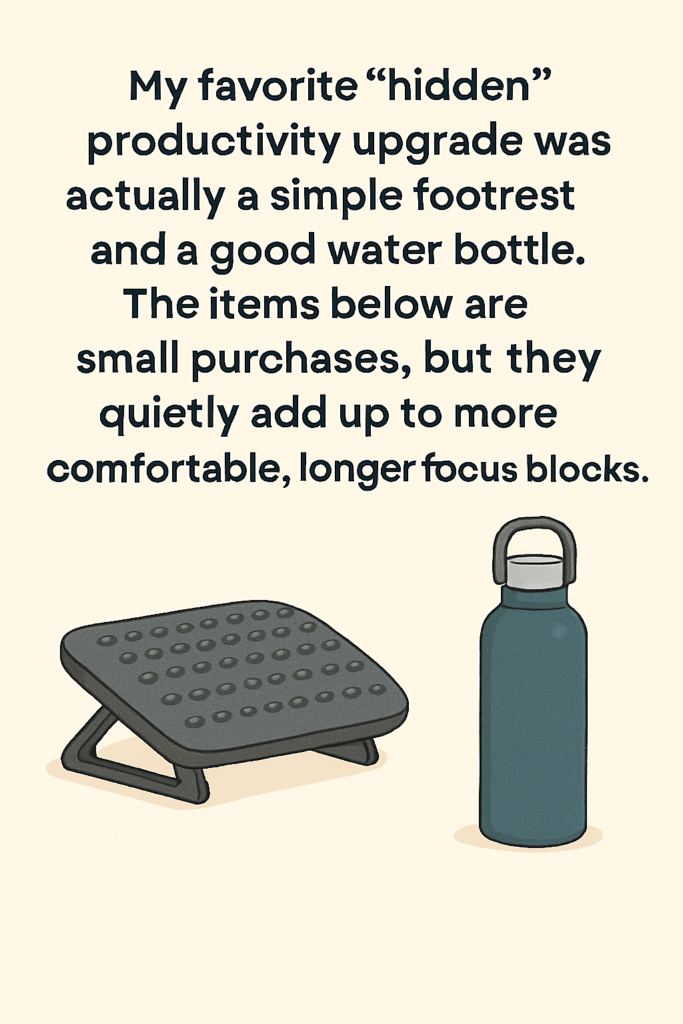
- A footrest (or even a low box) to keep your legs comfortable
- A water bottle on your desk as a visual reminder to drink
- A light blanket or hoodie if your room gets cold in the afternoon
These are not about making your workspace cozy just for the vibe. They are about removing tiny physical frictions that slowly drain your energy.
9. A Clear Start and End Ritual
This one is free, but powerful. A productive home office is not only about objects. It is also about the habits around them.
Create a simple “start work” ritual, for example:
- Turn on your desk lamp
- Put on your headphones
- Open your task list for today
- Close all non-work tabs
And a “end work” ritual:
- Close all work windows
- Put your notebook and pen in their spot
- Do a 2-minute desk reset
- Physically leave your workspace for at least a few minutes
These tiny rituals tell your brain: Now we are working and Now we are done. This helps you focus better during work hours and rest better afterward.
Final Thoughts: Start with One Upgrade
Looking at other people’s home office setups can make you feel like you need everything at once: a standing desk, an expensive chair, a huge monitor, smart lights, and more.
You do not.
If you want to build a more productive home office, start small:
- Pick one upgrade from this list.
- Use it every day for at least two weeks.
- Notice how it changes your comfort, focus, or energy.
The real home office must haves for productivity are not about the number of items you own. They are about a few intentional choices that support the way you actually work.
Your workspace does not have to look perfect. It just has to work for you.
Automate 30–70% of Your Daily Work
<< You Might Also Like >>
“Why Portfolio Careers Are Replacing the Career Ladder”
<< Work Smarter, Not Longer: The 15-Minute Framework That Triples Your Focus >>
Stream Your Favorites Faster & Better! 📺
Why wait? Upgrade to Amazon Fire TV and enjoy lightning-fast streaming and thousands of apps at your fingertips. It’s time to level up your TV game! 🚀
✨ [Check Price on Amazon.com (USA)]
✨ [Check Price on Amazon.ca (Canada)]
Upgrade your workspace with a keyboard and mouse combo designed for modern productivity.
The Logitech MK470 Slim delivers ultra‑quiet typing, a compact layout, and reliable 2.4 GHz wireless performance—everything you need for a cleaner, faster, more focused workflow
Leave a Reply to Jobs That Will Disappear by 2030 and the Skills That Will Replace Them Cancel reply