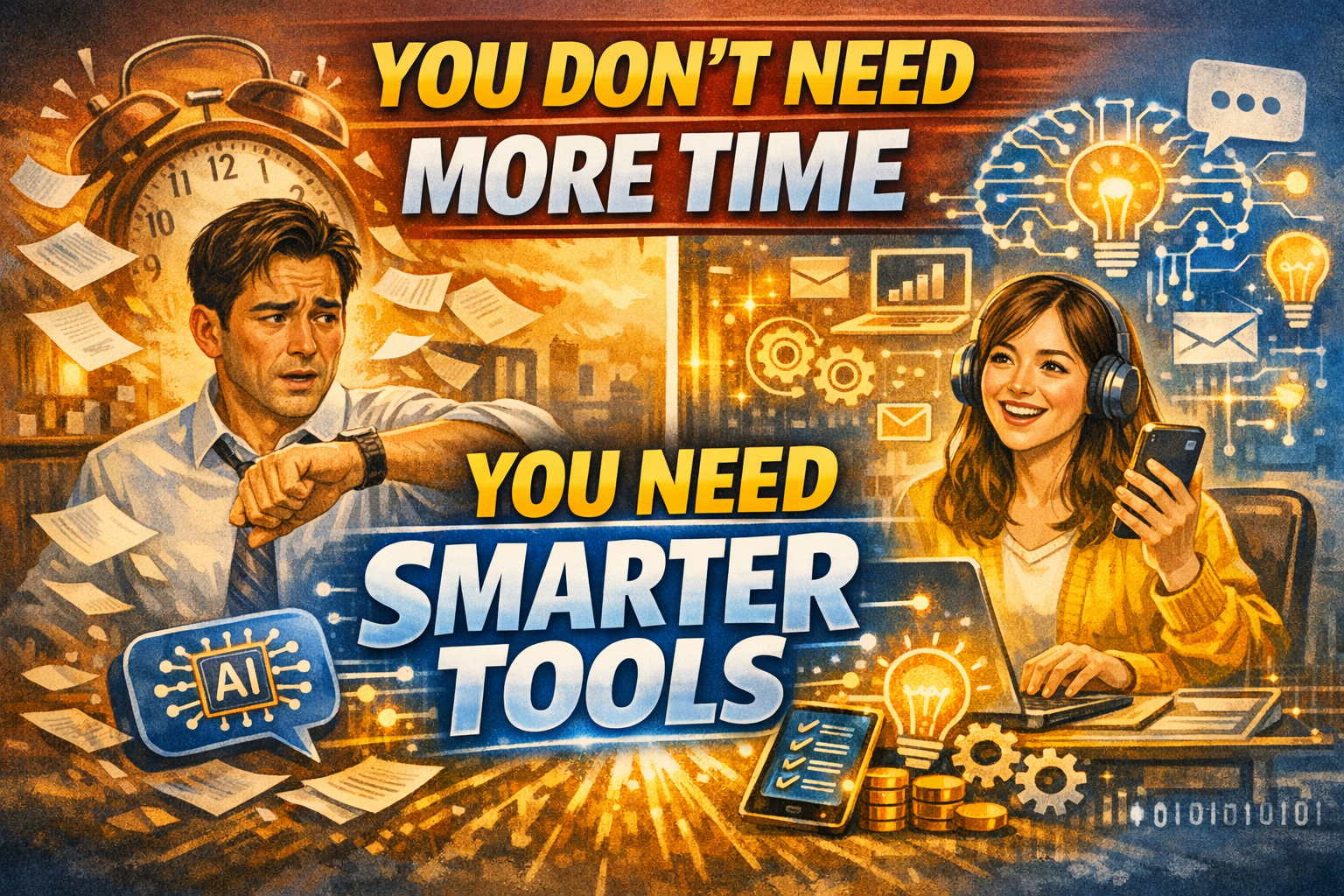
With the right AI setup, your 1-hour lunch break can feel like 2 hours. Forget complex tech tutorials. Forget advanced Excel tricks. This is a guide for busy, tired, and sometimes lazy employees who just want their evenings back.
by JongWoo·⏱ 12 min read·~2,800 words·Future of Work
📌 TL;DR — Conclusion First
The bottom line: You can’t make more time. But you can do more with the same time.
AI isn’t just for engineers or tech-savvy people. It’s for the overworked employee who just wants to leave the office on time. By the end of this guide, you’ll walk away with:
- A routine that turns your 1-hour lunch break into a productivity power hour
- A 30-minute after-work combo that actually makes self-development stick
- Smartphone automations that run on zero thinking
- Specific tools + copy-paste prompts you can use starting today
“Experience is your asset. AI is your tool.”
Learn how I turned my lifelong knowledge into a $1,000 monthly income stream using AI. Simple, practical, and designed specifically for our generation.

📖 Check out my new book on Amazon!
Why Most Productivity Advice Fails You
You’ve heard it before: “manage your time better,” “use the Pomodoro method,” “try time-blocking.” All solid advice — in theory. The problem? These systems only work when you have energy to spare.
After a full day of meetings, emails, and decisions, the last thing your brain wants is to learn a new system. So you read the productivity blog post, feel inspired for 20 minutes, and then wake up the next morning doing everything exactly the same way.
“People don’t want to memorize keyboard shortcuts. They want to have dinner with their family.”— JongWoo, Future of Work
This guide takes a completely different angle. Instead of asking you to learn more, it asks you to automate more. The goal is to hand off repetitive work to AI — not just occasionally, but as a daily habit baked into moments you’re already living through.
Think of it this way: you already have a lunch break. You already commute. You already check email. The question isn’t “where do I find extra time?” It’s “how do I make the time I already have work harder for me?”
2.5havg. time workers spend
on email per day
47%of work tasks are
repetitive and routine
5 minto draft meeting notes
with AI vs. 25 without
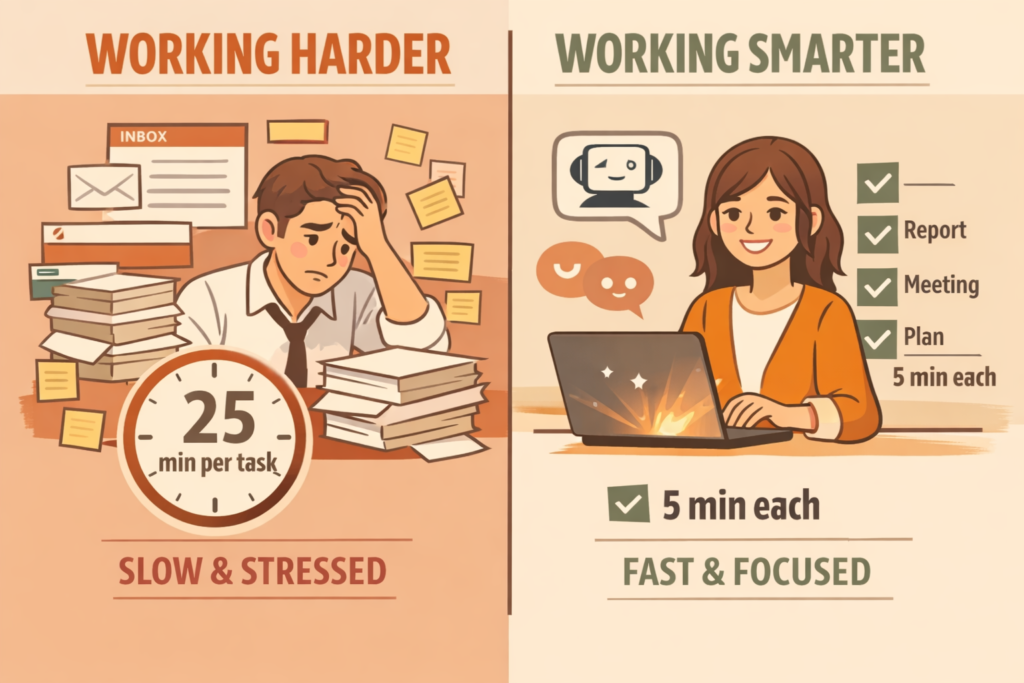
“The Two Workers” — side-by-side comparison of a stressed vs. AI-assisted employee
01. Turn Your 1-Hour Lunch Break Into a Productivity Power Hour
The lunch break is the most underutilized window in the workday. Most people scroll their phone, eat while watching YouTube, or vent to a colleague about the morning. None of that is wrong — but consider this:
If you use just 20 minutes of your lunch break to clear small-but-important tasks, you can shave 60–90 minutes off your evening. The key is targeting the tasks that pile up throughout the day — not the deep work, but the nagging little things that slow everything down.
ChatGPT as Your 5-Minute Writing Assistant
Writing is one of the biggest time thieves in office life. Meeting notes, email replies, project summaries — these tasks aren’t intellectually hard, but they take forever when you’re staring at a blank screen.
Here’s the shift: stop writing from scratch. Use AI to generate a rough draft, then spend your time editing instead of creating. It’s a fundamentally different — and much faster — way to work.
ChatGPT Prompt — Meeting Notes
“Summarize the following bullet points into clean meeting notes. Format as: 1) Meeting summary (3–4 sentences), 2) Key decisions made, 3) Action items with owners, 4) What needs to be done before the next meeting. Keep the tone professional but not robotic.”
[Paste your bullet points here]
In under a minute, you get a summary, key decisions, a next-step checklist, and assigned owners. A task that used to take 25 minutes now takes 5. That’s 20 minutes of your lunch break returned to you immediately.
Drafting Emails in 30 Seconds
The hardest part of writing an email isn’t the typing — it’s figuring out how to say something. Too blunt? Too soft? Not clear enough? The moment you find yourself re-reading the same draft for the fourth time, it’s time to outsource the first draft to AI.
ChatGPT Prompt — Email Draft
“Write an email draft for the following situation: [one sentence describing the context]. Tone: professional but warm. Include a subject line. Keep it under 4 short paragraphs.”
✅ Pro Tip
When the draft comes back, only edit two things: the recipient’s name and any specific numbers or dates. The rest? Good enough to send. Done is better than perfect on routine emails.
The Full 60-Minute Lunch Break Playbook
- 0–5 min: Morning debrief with AIDump the morning’s loose ends into ChatGPT and ask: “Which of these actually need to happen today, and which can wait?” Instant priority list.
- 5–15 min: Batch email draftsKnock out 2–3 pending email replies using AI drafts. Quick edits, send, done. You’ve cleared your inbox backlog before the afternoon starts.
- 15–35 min: Actually eat lunchPhone down. No screens. Your brain needs this reset. Skipping this is why your 3pm focus collapses.
- 35–50 min: Prep for afternoon meetingsGot an afternoon meeting? Ask ChatGPT to generate 5 sharp questions or talking points based on the agenda. Takes 5 minutes, makes you look prepared.
- 50–60 min: A short walkThis is the free time AI just gave you. Use it to move. A 10-minute walk after lunch boosts afternoon cognitive performance more than coffee.
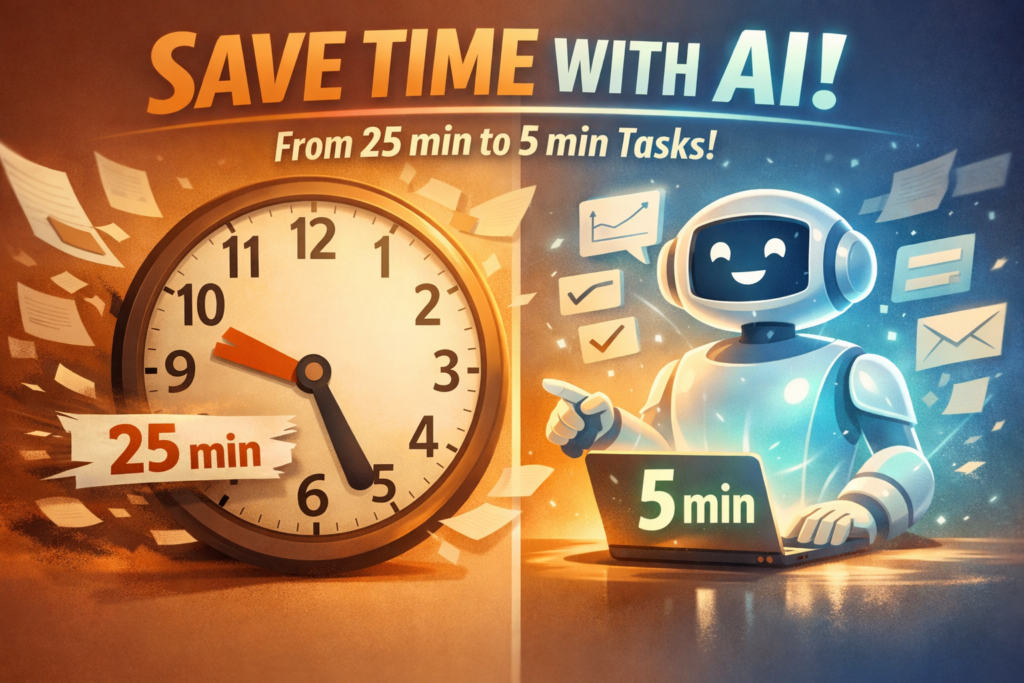
“The 60-Minute Lunch Break Timeline”
02. The After-Work Learning Combo: 30 Minutes, Real Results
You want to keep learning. Maybe a new skill, maybe just staying sharp. The intention is there every Sunday night. But by Thursday evening, after a full day of work, your brain is running on fumes.
Here’s the truth: it’s not a willpower problem. It’s a design problem. You’re asking an exhausted brain to power through dense material it was never going to absorb anyway. The fix isn’t more discipline — it’s a smarter input-to-memory pipeline.
The Audiobook + AI Summary Combo
Audiobooks are fantastic for passive consumption. You can absorb a full chapter during a commute without sitting down or staring at a screen. The problem? Most of what you hear evaporates within hours.
This isn’t a focus problem. It’s how memory works. Information fades fast unless you process it actively. The combo below solves exactly that.
- Listen: 20 minutes during your commuteUse Audible, Blinkist, or Shortform. One chapter or one “blink” is enough. Don’t try to cram more.
- Dump: Jot down what you remember (5 minutes)Right after you arrive home. Don’t worry about accuracy or completeness. Just type out whatever stuck. Bullet points are fine.
- Synthesize: Feed notes into ChatGPT (5 minutes)Use the prompt below to generate a structured summary, action steps, and a short quiz to cement the learning.
- Save: Store in Notion or your notes appTitle it with the book name and date. One month from now, you’ll have a personal knowledge database you can actually search and use.
ChatGPT Prompt — Book Learning
“I just listened to a section of [Book Title] about [topic]. Here are my notes: [paste your bullet points]. Based on this, please give me: 1) A 10-point key takeaway summary, 2) Three practical actions I can take this week, 3) Five short review questions to help me remember this.”
The result? You actually remember what you learned. You have concrete actions tied to the ideas. And you didn’t have to sit at a desk for hours. Thirty days of this routine equals roughly 10 books worth of processed, actionable knowledge.
💡 Best App Combo
Blinkist + ChatGPT: Blinkist condenses an entire book into a 15-minute listen. Then ChatGPT turns that into your personal action plan. You get the essence of a book’s ideas in under 30 minutes — and a plan for what to actually do with them.
03. “Lazy Mode” — iPhone Shortcuts for Zero-Effort Automation
The best AI tools aren’t the ones you use when you’re focused and energized. They’re the ones that run automatically, in the background, when you’re barely paying attention. That’s where iPhone Shortcuts (and Android Routines) come in.
These automations take about 10 minutes to set up. After that, they run silently, every single day, saving you 5–15 minutes of mental overhead each time.
Four Automations Every Busy Employee Should Have
| Automation | How It Works | Time Saved |
|---|---|---|
| Receipt Auto-Filing | Screenshot taken → auto-sorted into “Receipts” album | ~30 min/month |
| Voice Memo → To-Do List | Save a voice note → ChatGPT converts it into a structured task list | ~10 min/day |
| Copy → AI Summary → Paste | Copy any text → tap shortcut → get a bullet-point summary back | ~15 min/day |
| End-of-Day Tomorrow Prep | 6pm alert → AI auto-generates tomorrow’s priority list from your notes | ~10 min/day |
Build the “Copy → Summarize → Paste” Shortcut Right Now
This is the single most useful shortcut you can build. It works on any text — long emails, news articles, dense reports — and returns a clean summary in seconds.
- Open the Shortcuts app (pre-installed on iPhone)Tap “+” to create a new shortcut. If you’re on Android, use the “Routines” or “Bixby Routines” equivalent.
- Add the “Get Clipboard” actionThis grabs whatever text you’ve most recently copied. It’s the trigger for everything that follows.
- Connect to ChatGPT via the URL actionUse the ChatGPT app’s share sheet, or set up an API call using your ChatGPT account URL scheme. Pre-fill the prompt: “Summarize this in 5 bullet points with one key action step.”
- Add the shortcut to your Home ScreenGive it a name like “AI Summary” and a distinctive icon. Now it’s one tap away, every time you need it.
⚠️ Important Note
Don’t send confidential work documents or personal data through third-party AI shortcuts. Check your company’s AI usage policy first. For sensitive content, use your company’s internal AI tools if available.
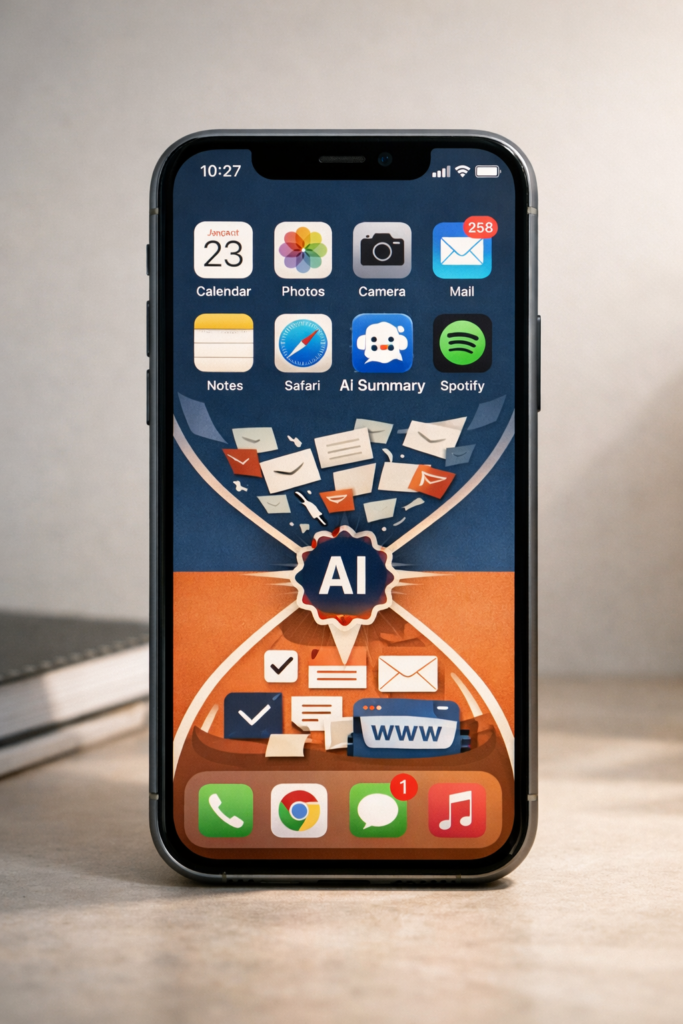
“The iPhone Shortcut Automation Flow”
04. The Only 5 Tools You Actually Need
There are hundreds of AI productivity tools out there. Most of them are overkill. Here are the five that cover 90% of a busy employee’s daily needs. Start with one. Add others only when you feel the need.
ChatGPT
Writing · Summarizing · Thinking
Your go-to for drafts, summaries, and brainstorming. The free version handles most daily tasks. The paid version unlocks faster responses and file uploads.
Notion AI
Notes · Docs · Organization
Transforms messy notes into clean documents instantly. Great for meeting notes, project pages, and personal wikis. Works inside an app you may already use.
Google Workspace AI
Gmail · Docs · Calendar
Built directly into Gmail and Google Docs. Summarizes long email threads, suggests replies, and helps draft documents without switching apps.
iPhone Shortcuts
Automation · Zero effort
Completely free and pre-installed. On its own it’s useful. Connected to AI, it becomes your background productivity engine. No coding required.
Readwise + AI
Learning · Retention
Automatically resurfaces highlights from books and articles you’ve saved. Pair with ChatGPT summaries and things you read actually stay in your head.
Blinkist / Shortform
Books · Self-development
Compresses non-fiction books into 15-minute audio or text summaries. When paired with the AI summary combo, one month of commutes becomes a full reading list.
Which Tool Should You Start With?
If you’re not using any AI tools yet: start with ChatGPT only. Use it for one week, exclusively for email drafts and meeting notes. That’s it. Don’t try anything else yet.
After a week, you’ll naturally notice two or three other things you wish were easier. That’s your signal to add the next tool. Building habits one at a time beats installing everything and using nothing.
✅ Recommended Onboarding Order
Week 1: ChatGPT for email + meeting notes only → Week 2: Add Notion AI for note cleanup → Week 3: Build one iPhone Shortcut → Month 2+: Add remaining tools based on actual pain points you’ve noticed.
05. Putting It All Together: Your AI-Powered Daily Routine
Theory is cheap. Here’s what this looks like as a real day. The total active AI time is about 20–30 minutes. The time you get back: 60–90 minutes.
Morning Routine (15 minutes)
Before opening your inbox, spend 5 minutes doing an AI priority check. Paste in yesterday’s unfinished tasks, today’s meetings, and any loose items swirling in your head. Ask ChatGPT: “Separate these into: must do today, can do later, and should delegate or delete.”
You now start the day with a clear mental map instead of a vague cloud of anxiety. That clarity alone is worth the 5 minutes.
During Work (5-minute bursts, as needed)
Any time you hit friction — a difficult email, a long document to read, a meeting to prep for — pause and ask: “Can AI give me a useful first draft or summary in under a minute?” The answer is almost always yes.
These 5-minute micro-sessions throughout the day are where the biggest time savings accumulate. Five sessions at 5 minutes each, saving 15 minutes apiece, is over an hour back per day.
Lunch Break (60 minutes, as outlined above)
Follow the lunch playbook from Section 01. Do the AI tasks first, eat without screens, and use the last 10 minutes to move or decompress. This rhythm makes the afternoon feel like a fresh start.
Evening Routine (30 minutes)
20 minutes of audiobook or podcast during your commute or evening walk. 5 minutes jotting down what you remember. 5 minutes with ChatGPT generating your summary and action steps. Done.
This works even on the days you’re exhausted. Especially on those days. Because you’re not relying on discipline — you’re relying on a system that does most of the work for you.
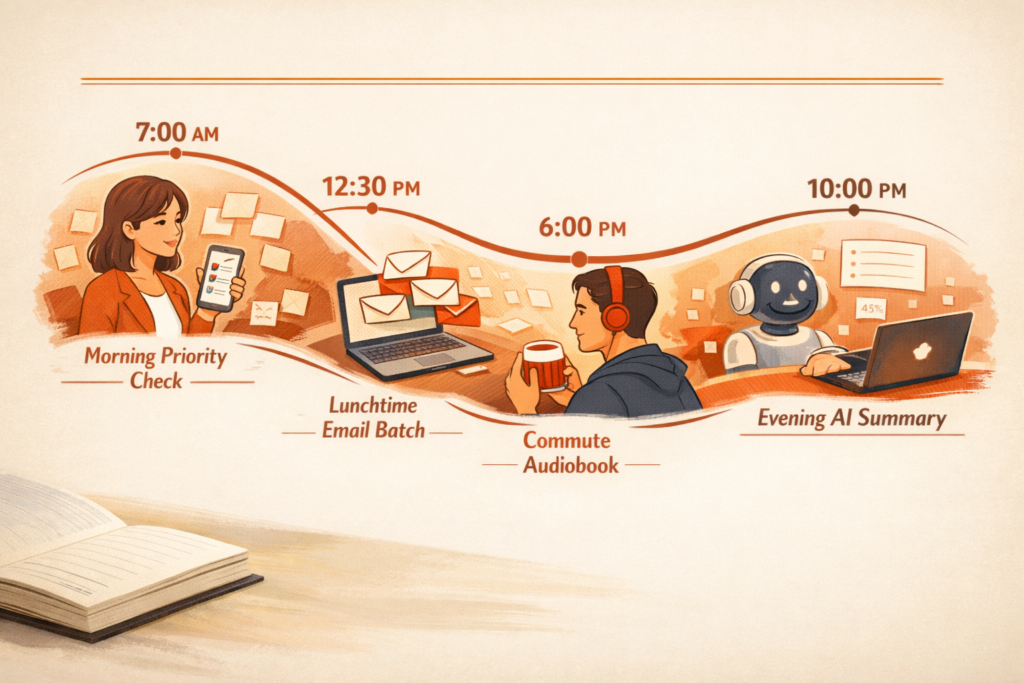
“The Full AI-Powered Daily Routine Map”
Prompt 2 — Before & After Daily TimelineSide-by-side illustrated comparison of a daily timeline “Before AI” vs “After AI.” Before: cluttered, stressed figure with overflowing tasks bleeding into the evening. After: calm figure with clearly labeled tasks and visible free evening time. Clean vector style, minimal warm palette, editorial magazine quality.
Prompt 3 — Energy Graph ArtA stylized productivity and energy level graph showing a full workday. Two lines overlaid: one jagged and declining (without AI tools), one steadier with an afternoon recovery curve (with AI tools). Data visualization art style, elegant type overlay, terracotta and navy color coding, editorial poster quality.
Summary & Key Takeaways
Everything you need to remember from this guide — save this and come back to it.
- The problem isn’t a lack of time. It’s spending too much time on tasks that AI can handle. Identify your three most repetitive daily tasks and hand them to AI first.
- Your lunch break is your most underused productivity window. Clearing small tasks with AI during just 20 minutes of it can shave 60+ minutes off your evening.
- Meeting notes and email drafts are AI’s strongest suits. Give it bullet points and get a polished draft back in seconds. Edit — don’t write from scratch.
- The audiobook + AI summary combo is the highest-ROI self-development method for tired people. Listen during commute, dump notes, let AI structure the learning.
- One iPhone Shortcut — Copy → AI Summary → Paste — is worth 10 minutes to build and saves you 10 minutes every single day afterward.
- You only need 5 tools: ChatGPT, Notion AI, Google Workspace AI, iPhone Shortcuts, and Readwise. Start with ChatGPT alone for one full week before adding anything else.
- Don’t aim for perfect AI usage. Aim for consistent AI usage. An imperfect prompt every day beats a perfect prompt once a week by a mile.
- Using AI isn’t laziness. It’s deciding that your energy is too valuable to spend on tasks a machine can do just as well. That’s the smartest work decision you can make.
<< You Might Also Like >>
“Home Office Essentials for Productivity: Items That Truly Make a Difference
Stream Your Favorites Faster & Better! 📺
Why wait? Upgrade to Amazon Fire TV and enjoy lightning-fast streaming and thousands of apps at your fingertips. It’s time to level up your TV game! 🚀
Leave a Reply