From Retirement to Digital Entrepreneur: How I Built a $1,000 Monthly Passive Income with AI

👉 Start Your Journey: Access the Full 118-Page AI Blueprint Now
You don’t need more willpower or longer hours.
You just need a system.
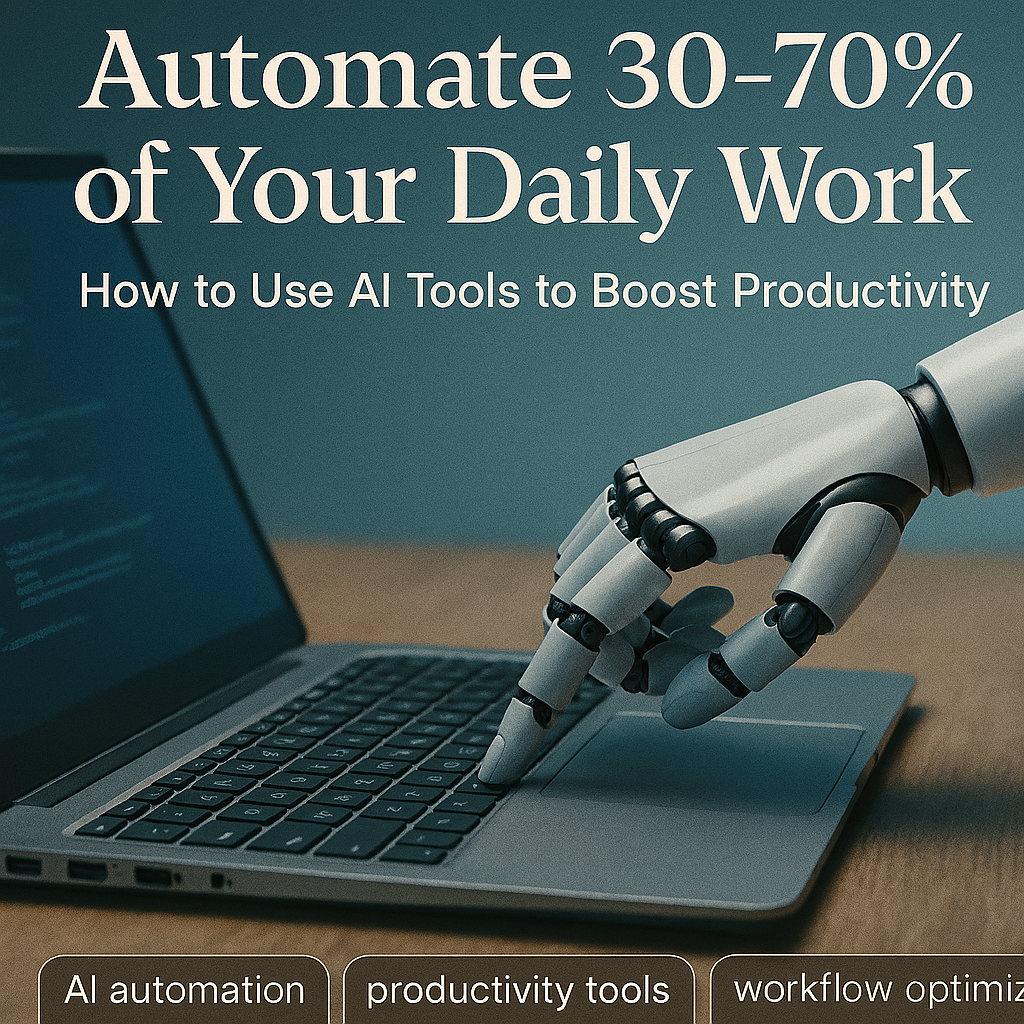
When ChatGPT becomes the “brain” and productivity tools act as the “hands,”
your repetitive tasks—emails, reports, scheduling, documentation—start running on autopilot.
This guide shows practical, real-world automation routines you can set up today, even if you’re not tech-savvy.
⚙️ How ChatGPT + Productivity Tools Automate Your Workday
1. Automate repetitive writing tasks with ChatGPT
Anything you type more than twice a week can be automated.
Tasks ChatGPT handles perfectly
- Email drafts
- Summaries of long documents
- Blog posts or social content
- Customer support replies
- Polishing grammar or tone
- Translation
Example
Google Docs + ChatGPT
→ Paste your notes
→ ChatGPT turns them into a clean report or presentation outline
Gmail + ChatGPT
→ AI drafts a polite, context-aware reply
→ You simply hit send
2. Turn Notion into an “auto-organizing workspace”
When paired with ChatGPT, Notion becomes your personal assistant—not just a notebook.
What it can automate
- Meeting notes → summaries
- Idea dumps → structured documents
- Task lists → AI-generated action items
- Project updates → auto rewritten into reports
Example
Upload a meeting transcript →
AI instantly outputs:
- 3 key points
- Action items
- Risks
- Next-step checklist
👉 30 minutes of admin work turned into 90 seconds.
3. Google Workspace + ChatGPT = a fully automated workflow
Gmail Automation
ChatGPT can:
- Sort emails by urgency
- Write responses
- Identify tasks hidden inside long messages
Google Calendar
ChatGPT can:
- Write event descriptions
- Add prep notes
- Generate follow-up reminders
- Summarize meetings directly into your calendar
Google Sheets
AI finally makes spreadsheets human-friendly:
- Analyze data
- Spot trends
- Write insights and recommendations
Example:
Paste a sales sheet → ask:
“Give me 5 insights and 3 action steps.”
→ Instant data analysis report
4. Automate task management with Trello, Asana, or ClickUp
What ChatGPT can automate
- Creating task cards
- Setting priorities
- Writing checklists
- Estimating time
- Categorizing work
Example
Drop a client request into ChatGPT →
Get a fully structured task card:
- Description
- Priority
- Checklist
- Timeline
- Notes
Then send it directly into Trello or Asana.
5. The real magic: Connect ChatGPT with Zapier or Make
This is where full automation becomes possible.
ChatGPT = brain
Zapier/Make = hands and legs
What you can automate
- Email → summary → Notion save
- Form submission → personalized reply
- Keyword → SEO article → Google Drive upload
- Newsletter → social media posts auto-generated
- Blog title → full outline → thumbnail text suggestion
Example: A fully automated blog workflow
- Enter a topic
- ChatGPT writes a full SEO article
- Zapier publishes it to WordPress
- AI generates a meta description + image caption
Your only job: type the topic.
The New Power of Managers in an AI-Driven Workplace
📌 Summary
✔ What ChatGPT can automate
- Writing
- Meeting notes
- Reports
- Scheduling
- Customer service
- Content creation
✔ Best tools to pair with ChatGPT
- Notion → auto documentation
- Google Workspace → email/schedule/data automation
- Trello/Asana → auto task organization
- Zapier/Make → full workflow automation
⭐ Key Tips for Effective AI Automation
- Start small.
Begin with email or meeting summaries—easy wins build momentum. - Automate high-frequency tasks first.
Anything done 3+ times a week is worth automating. - Choose one main platform.
Notion or Google—don’t juggle too many tools at once. - Teach ChatGPT your style.
Provide samples so it learns your tone, formatting, and brand voice. - Remember: Automation is about attention, not speed.
The real benefit isn’t time saved—it’s energy redirected toward meaningful work.
Notion vs. ClickUp for Solopreneurs (2026 Deep Guide)
<< You Might Also Like >>
<< “Why Portfolio Careers Are Replacing the Career Ladder” >>
<< Work Smarter, Not Longer: The 15-Minute Framework That Triples Your Focus >>
“Home Office Essentials for Productivity: Items That Truly Make a Difference
Stream Your Favorites Faster & Better! 📺
Why wait? Upgrade to Amazon Fire TV and enjoy lightning-fast streaming and thousands of apps at your fingertips. It’s time to level up your TV game! 🚀
✨ [Check Price on Amazon.com (USA)]
✨ [Check Price on Amazon.ca (Canada)]
Upgrade your workspace with a keyboard and mouse combo designed for modern productivity.
The Logitech MK470 Slim delivers ultra‑quiet typing, a compact layout, and reliable 2.4 GHz wireless performance—everything you need for a cleaner, faster, more focused workflow
Leave a Reply to Jobs That Will Disappear by 2030 and the Skills That Will Replace Them Cancel reply