Conclusion First: ChatGPT is not just for tech experts—it’s a friendly assistant anyone can use, even seniors. With a little guidance, you can ask it questions, get help with writing, explore hobbies, or simply have fun chatting. Using it daily can make life easier, more creative, and more connected. The key is taking small steps, exploring safely, and practicing consistently.
What Is ChatGPT and Why It Matters for Seniors
ChatGPT is an AI chatbot created by OpenAI. It understands text and responds naturally. It’s like talking to a patient, helpful friend who never judges.
Why seniors should try it:
- Easy to use: No complex coding or tech skills required.
- Always available: You can ask questions anytime, day or night.
- Useful for daily life: From writing letters to learning new hobbies, ChatGPT can assist.
- Boosts independence: You can explore information without relying on others.
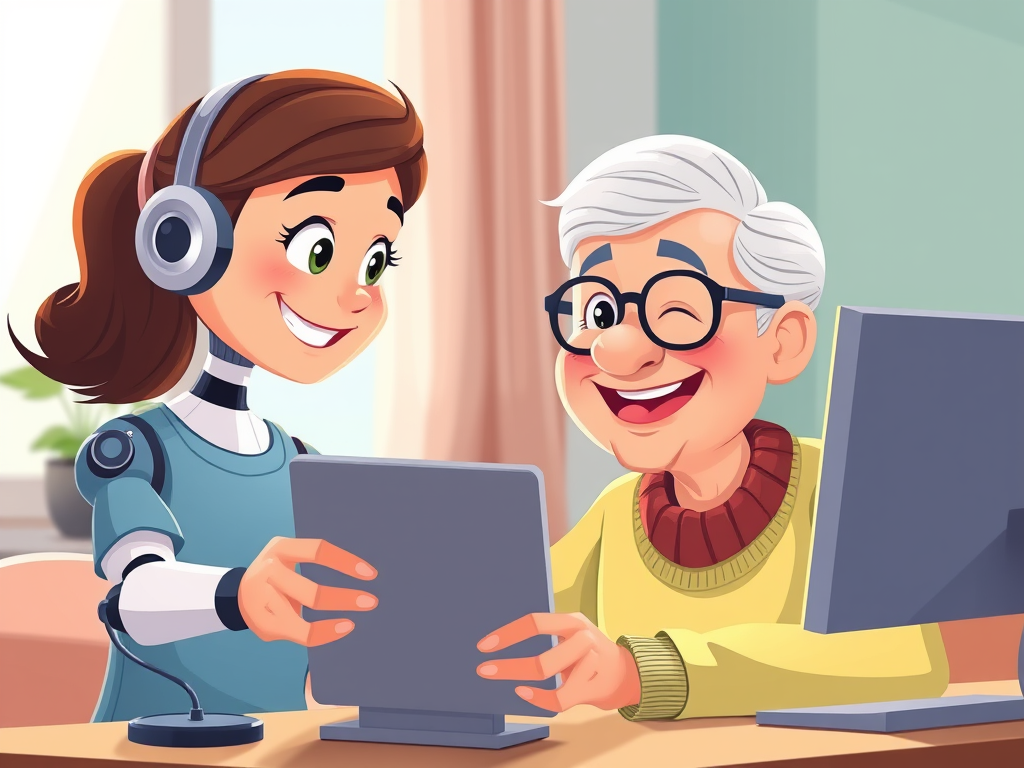
Illustration Prompt #1: A friendly, cartoon-style AI character helping a smiling elderly person at a computer or tablet.
Getting Started with ChatGPT
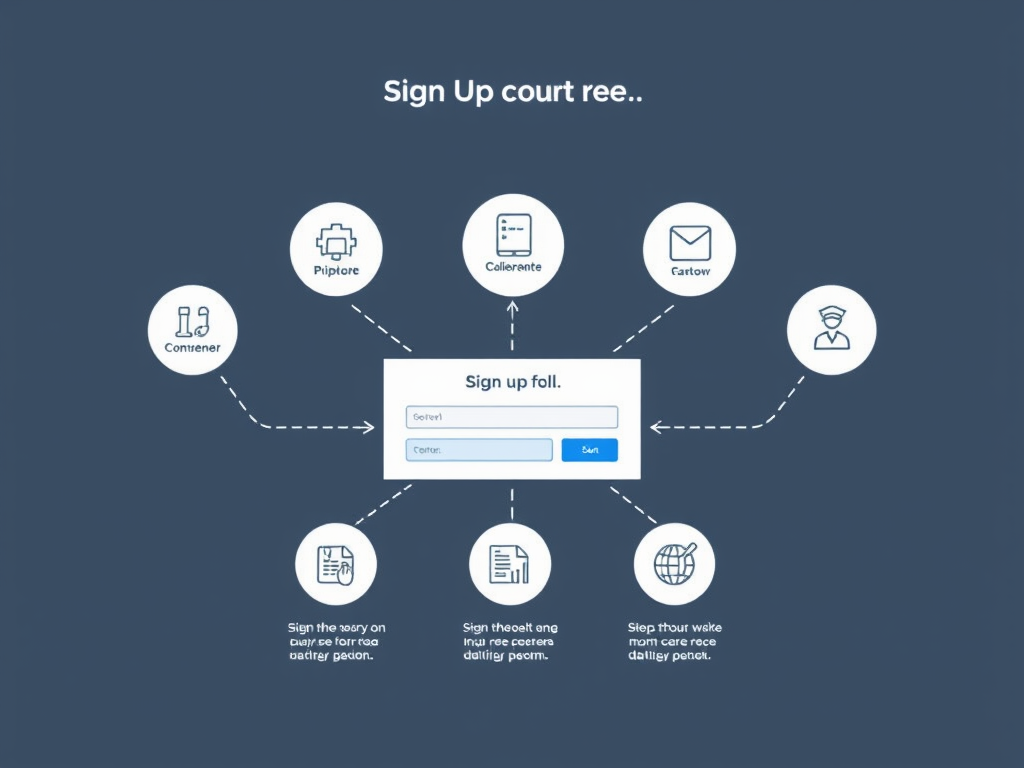
Step 1 – Setting Up an Account
- Open your web browser.
- Go to chat.openai.com.
- Click Sign Up.
- Enter your email, create a password, and verify your account.
Tips for seniors:
- Write down your password on a secure note.
- Use an email you check regularly.
- Illustration Prompt #2: A simple, clean diagram showing the sign-up process step by step.
Step 2 – Understanding the Chat Interface
Once logged in:
- You will see a text box at the bottom. This is where you type questions.
- Press Enter to send your message.
- ChatGPT responds almost immediately.
Tip: Keep questions simple. For example:
- “What’s a healthy breakfast recipe?”
- “Explain the weather in simple terms.”
- “Help me write a birthday card for my granddaughter.”
Everyday Uses of ChatGPT for Seniors
1. Writing Help
- Letters and emails: Ask ChatGPT to help write letters to friends or family.
- Journaling: ChatGPT can suggest prompts if you like writing in a diary.
- Creative writing: Try writing stories together—great for memory and creativity.
Example:
“ChatGPT, help me write a short story about a cat who travels the world.”
ChatGPT will generate a story you can read, edit, or print.
2. Learning and Curiosity
- Learn new skills: Ask questions like “Teach me how to paint with watercolors.”
- Fun facts: “Tell me five interesting facts about space.”
- Languages: Practice words or phrases in another language.
This makes learning interactive, not boring.
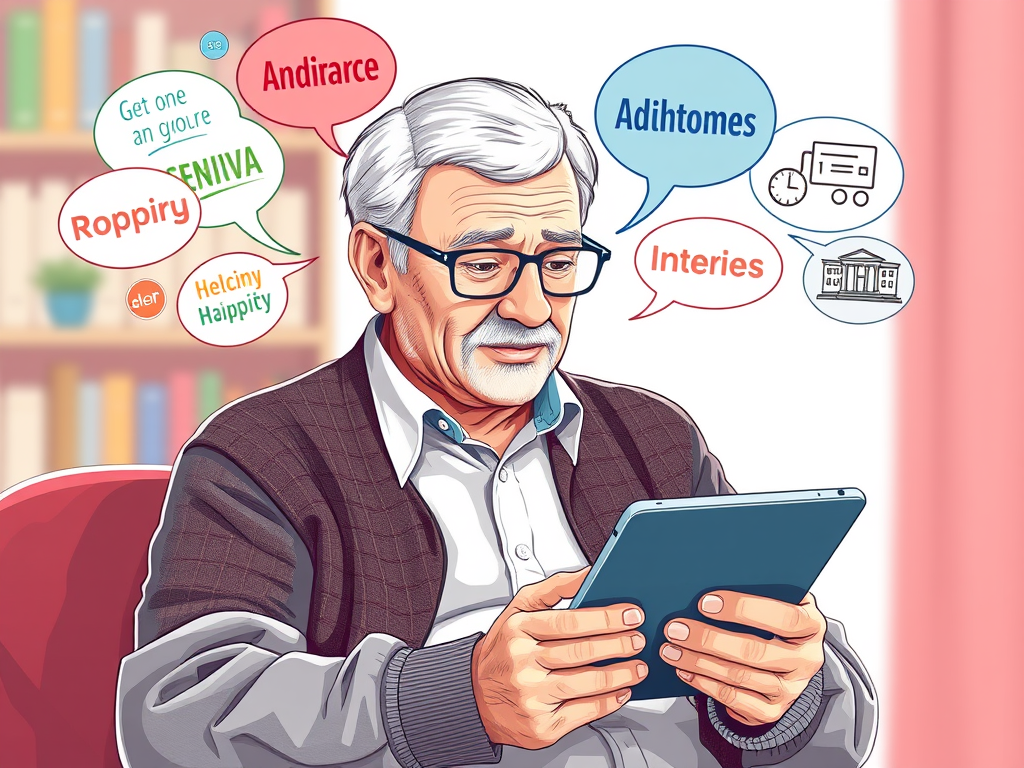
Illustration Prompt #3: A senior using ChatGPT on a tablet, with colorful thought bubbles showing words, books, and hobby icons around them.
3. Daily Planning
- Meal planning: “Suggest a simple menu for one week with easy recipes.”
- Appointments: Ask ChatGPT to make a reminder list or routine checklist.
- Shopping lists: Type items you need, and ChatGPT organizes them neatly.
This saves mental energy and keeps life organized.
4. Entertainment and Hobbies
- Trivia and quizzes: Ask ChatGPT for brain games or quizzes.
- Music suggestions: “Recommend relaxing jazz music for the afternoon.”
- Travel ideas: Explore destinations and get simple travel tips.
ChatGPT can turn boredom into curiosity.
5. Health & Wellbeing Guidance
- Exercise routines: “Give me a 10-minute stretching routine for seniors.”
- Healthy habits: “Tips to drink more water every day.”
- Mental exercises: ChatGPT can give memory games or mindfulness exercises.
Note: ChatGPT is informative but not a substitute for medical advice. Always check with a doctor for health concerns.
Tips for Safe and Smart Use
Keep Privacy in Mind
- Do not share personal passwords or sensitive data.
- Avoid giving credit card numbers or private documents.
Start Small
- Begin with 1–2 questions per day.
- Explore slowly to avoid feeling overwhelmed.
Make It Routine
- Try using ChatGPT at the same time each day.
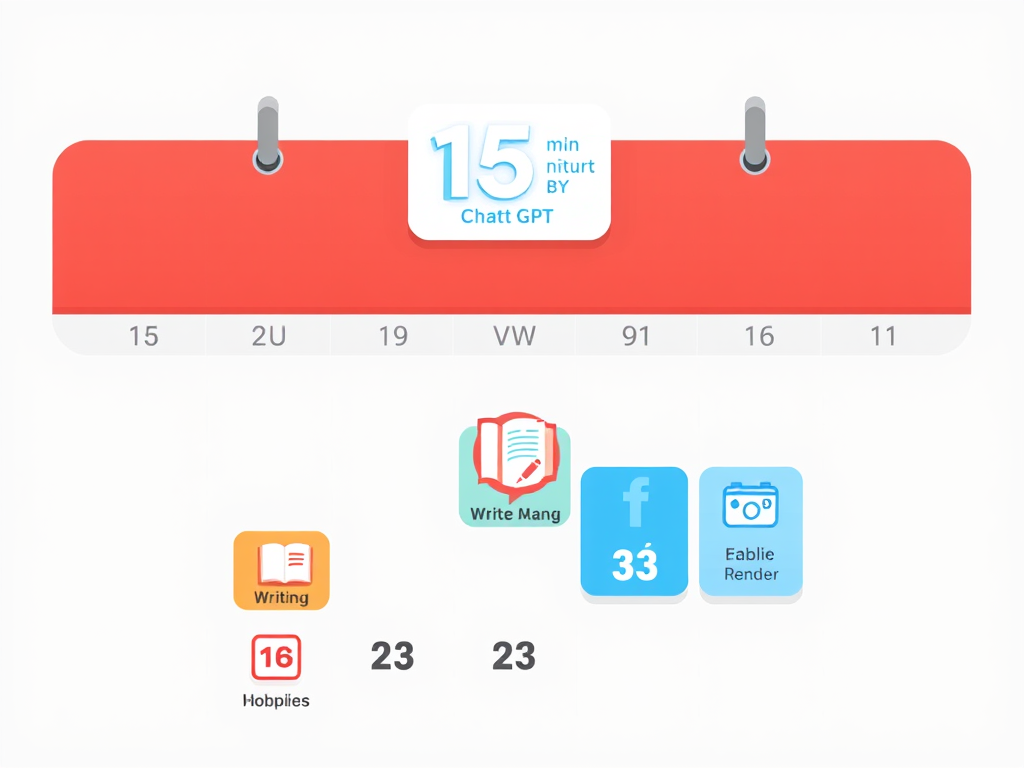
- Even 10–15 minutes daily builds comfort and confidence.
Illustration Prompt #4: A calendar showing a daily 15-minute ChatGPT session with icons for writing, reading, and hobbies.
Overcoming Challenges
Some seniors may feel nervous about technology. Here’s how to handle it:
- Fear of mistakes: ChatGPT won’t judge. Mistakes are learning opportunities.
- Technical difficulties: Use large fonts and simple devices.
- Overwhelm from options: Focus on one type of question at a time.
Remember: patience and curiosity are your best allies.
Advanced Ideas (Once Comfortable)
Once confident, seniors can explore:
- Collaborative storytelling: ChatGPT + your ideas = personalized novels.
- Genealogy research: Ask ChatGPT how to start tracing family history.
- Digital hobbies: Learn coding basics, recipe creation, or crafting guides.
- Brain games: Chess strategies, word puzzles, logic exercises.
This makes ChatGPT more than just a tool—it becomes a companion.
Linking to Other Helpful Resources
For seniors looking to start blogging, you might enjoy this guide:
How to Start a WordPress Blog for Seniors – step-by-step tips for sharing your stories online.
This integrates ChatGPT for writing content ideas, blog posts, or improving your writing.
Summary
Why ChatGPT is Perfect for Seniors:
- Friendly, patient, and non-judgmental.
- Helps with writing, learning, daily tasks, and hobbies.
- Flexible—use it for 5 minutes or an hour.
- Can boost independence, creativity, and mental engagement.
Key Takeaways:
- Start small, explore safely.
- Use ChatGPT daily for practice.
- Make it part of your hobbies and routines.
- Protect personal data.
Key Tips
- Tip 1: Ask short, clear questions.
- Tip 2: Take screenshots of helpful responses.
- Tip 3: Combine ChatGPT with offline activities (reading, gardening, exercise).
- Tip 4: Experiment without pressure—it’s for your convenience, not perfection.
With these strategies, seniors can unlock ChatGPT’s full potential in a fun, safe, and engaging way.
Illustration Prompt #5 (Optional Bonus): A happy senior surrounded by icons representing hobbies, learning, and daily tasks, with ChatGPT on a tablet smiling at them.

Leave a Reply