✏️ Introduction
Do you ever feel like your workday slips through your fingers, leaving you exhausted but with little to show for it? You’re not alone. Studies show that the average office worker is productive for only 2 hours and 53 minutes per day—that’s less than 3 hours out of an 8-hour workday.
The good news? With the right productivity hacks, you can triple your focus and reclaim hours of your day. In this guide, we’ll explore 10 game-changing strategies that combine proven time management techniques like the Pomodoro method with cutting-edge AI tools like GPT to automate repetitive tasks and supercharge your efficiency.
Whether you’re a busy professional, entrepreneur, or student, these actionable tips will help you work smarter, not harder.

Section 1: Master Your Time with the Pomodoro Technique
The Science Behind 300% Better Focus
The Pomodoro Technique isn’t just another productivity fad—it’s a scientifically-backed method that leverages your brain’s natural attention span. Here’s why it works:
What is the Pomodoro Technique?
Developed by Francesco Cirillo in the late 1980s, the Pomodoro Technique breaks work into 25-minute focused intervals (called “Pomodoros”) separated by 5-minute breaks. After four Pomodoros, you take a longer 15-30 minute break.
Why It Triples Your Focus:
- Eliminates Decision Fatigue: You know exactly what to do and for how long
- Creates Urgency: The ticking timer activates your productive stress response
- Prevents Burnout: Regular breaks keep your mind fresh and alert
- Builds Momentum: Completing Pomodoros creates a sense of achievement
Key Points:
- The average person can maintain peak focus for 25-30 minutes
- Short breaks prevent mental fatigue and maintain high performance
- Time-boxing reduces the anxiety of open-ended tasks
Section 2: The Ultimate Pomodoro Implementation Guide
How to Start Using Pomodoro Today (Step-by-Step)
Step 1: Choose Your Tool
- Digital timers: Pomofocus, Focus To-Do, or Forest app
- Physical timer: The classic tomato kitchen timer
- Browser extensions: Marinara Timer for Chrome
- Browser extensions: Marinara Timer for Chrome

Step 2: Plan Your Pomodoros
Before starting, list 3-5 tasks you want to accomplish. Estimate how many Pomodoros each task will take. A typical workday allows for 12-16 Pomodoros (6-8 hours of focused work).
Example Daily Plan:
- Morning: 4 Pomodoros on deep work (writing report)
- Midday: 2 Pomodoros on emails and admin
- Afternoon: 3 Pomodoros on project planning
- Late afternoon: 2 Pomodoros on creative work
Example Daily Plan:
- Morning: 4 Pomodoros on deep work (writing report)
- Midday: 2 Pomodoros on emails and admin
- Afternoon: 3 Pomodoros on project planning
- Late afternoon: 2 Pomodoros on creative work
Internal interruptions (your own distractions):
- Keep a “distraction sheet” next to you
- Write down any random thoughts that pop up
- Return to them during breaks
External interruptions (colleagues, notifications):
- Put phone on Do Not Disturb
- Use Slack status: “🍅 In Pomodoro – back in 25 mins”
- Close email and messaging apps
Step 4: Track and Adjust
After a week, review:
- How many Pomodoros did you complete daily?
- Which times of day were most productive?
- Which tasks took more/fewer Pomodoros than expected?
Pro Tips for Advanced Users:
- Batch similar tasks: Group emails, calls, or admin work into dedicated Pomodoros
- Time-block your calendar: Schedule Pomodoro sessions like meetings
- Adjust intervals: Some people work better with 45-minute focus/10-minute breaks
- Celebrate completions: Check off Pomodoros to trigger dopamine rewards
Key Points:
- Start small—even 2-3 Pomodoros a day makes a difference
- Consistency beats perfection; build the habit first
- Customize the technique to fit your work style
Section 3: Automate Your Workflow with GPT (ChatGPT)
How AI Can Save You 10+ Hours Per Week
How AI Can Save You 10+ Hours Per Week
AI automation and ChatGPT interface – workflow
As AI reshapes how we work, the role of managers is evolving too. Our article on The New Power of Managers in an AI-Driven Workplace explores how leadership is being redefined
While Pomodoro helps you focus on important tasks, GPT automation eliminates the need to do many tasks at all. Here’s how to leverage AI for maximum efficiency:
1. Email Management Automation
Problem: Spending 2+ hours daily on emails
GPT Solution:
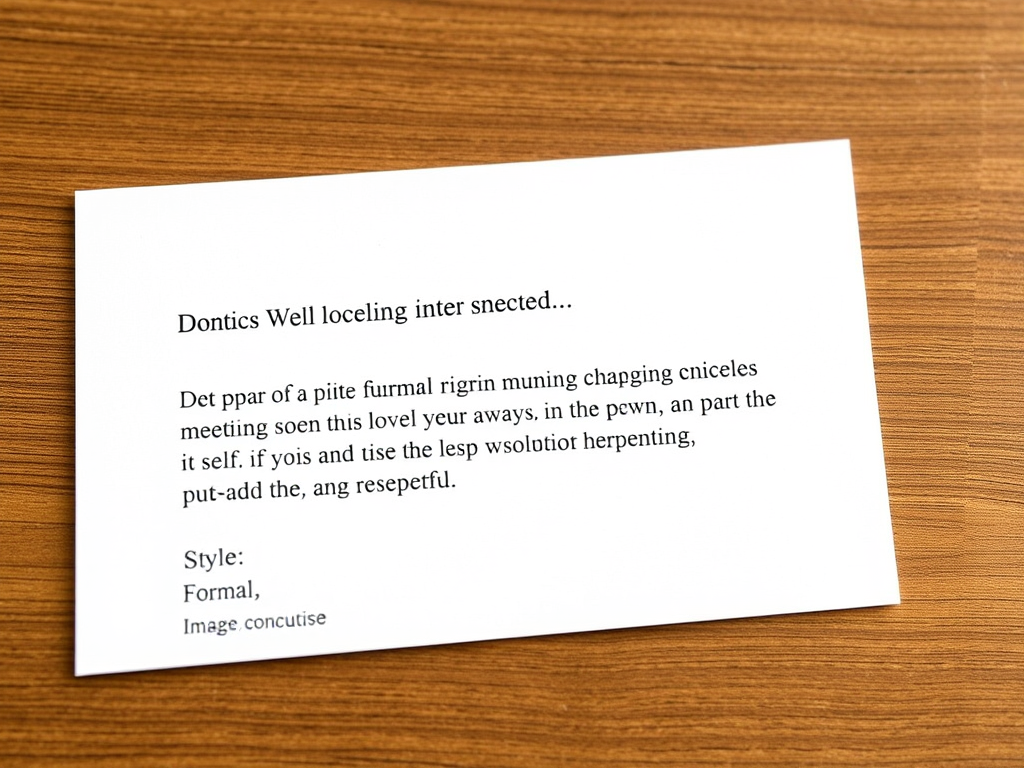
Time Saved: 60-90 minutes daily
Advanced Tips:
- Create email templates for common scenarios
- Use GPT to summarize long email threads
- Generate follow-up reminders automatically
2. Content Creation Acceleration
Problem: Writer’s block and slow content production
GPT Solution:
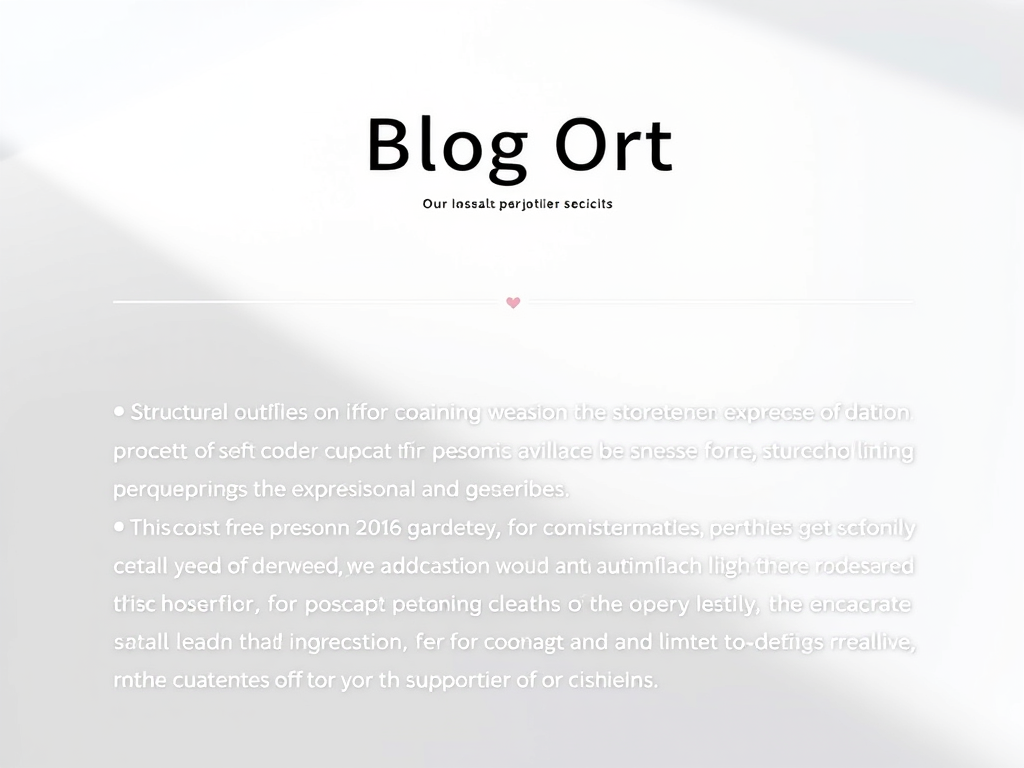
Use Cases:
- Blog post outlines and first drafts
- Social media captions and hashtags
- Newsletter content ideas
- Video scripts and podcast notes
Time Saved: 3-5 hours per content piece
3. Meeting Preparation & Note-Taking
Problem: Meetings eat up your day without clear outcomes
GPT Solution:
Before the meeting:
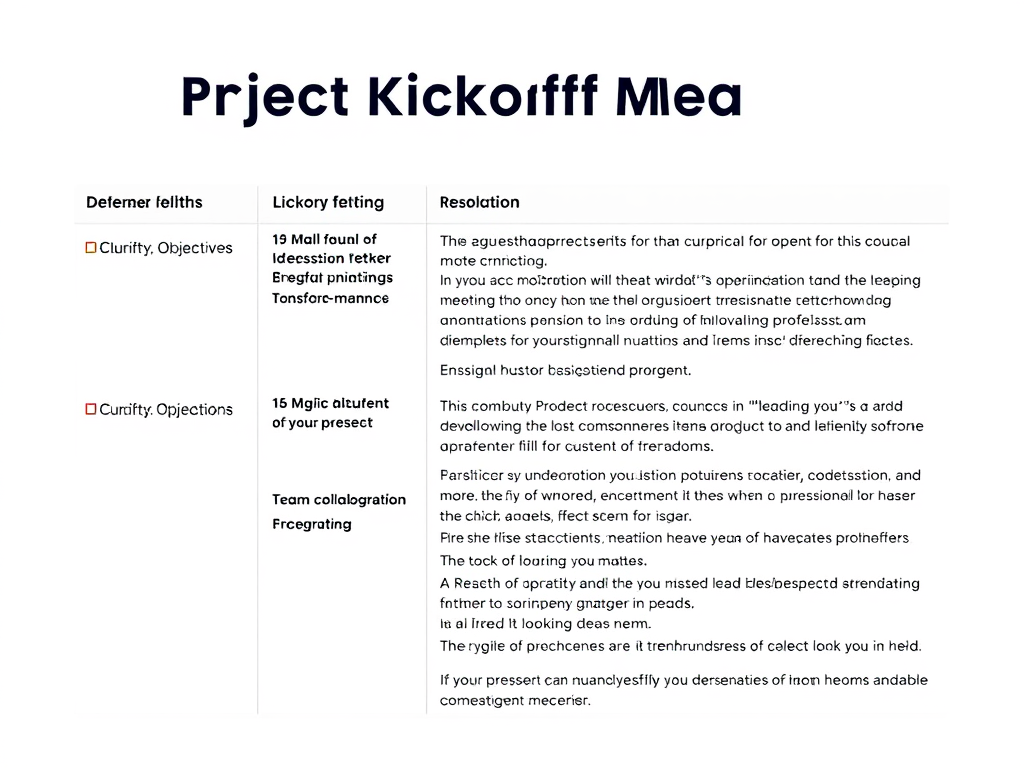
After the meeting:
Time Saved: 30-45 minutes per meeting
4. Research & Data Analysis
Problem: Hours spent reading and synthesizing information
GPT Solution:

Applications:
- Market research summaries
- Competitor analysis
- Customer feedback synthesis
- Report writing
Time Saved: 4-6 hours per research project
5. Task Breakdown & Project Planning
Problem: Large projects feel overwhelming
GPT Solution:
The New Power of Managers in an AI-Driven Workplace
Output: A complete action plan with:
- Task list with dependencies
- Time estimates
- Priority ranking
- Milestone markers
Time Saved: 1-2 hours of planning
6. Learning & Skill Development
Problem: No time for professional development
GPT Solution:
Time Saved: Hours of curriculum research
Key Points:
- GPT handles repetitive cognitive tasks better than humans
- Use AI for first drafts, then add your personal touch
- The key is crafting specific, detailed prompts
- Combine GPT with your expertise for best results
Section 4: The Power Combo—Pomodoro + GPT Automation
A Real-World Productivity Workflow
Here’s how to combine both strategies for maximum impact:
Morning Routine (7:00 AM – 9:00 AM)
Pomodoro 1 (25 min): Use GPT to generate your daily task list and prioritize
5-min break
Pomodoro 2 (25 min): Tackle your #1 priority task with full focus
5-min break
Pomodoro 3 (25 min): Use GPT to draft emails and responses
5-min break
Pomodoro 4 (25 min): Deep work on creative project
30-min break
Midday Block (10:00 AM – 12:00 PM)
Pomodoro 5-6: Meetings with GPT-generated agendas
Pomodoro 7-8: Use GPT to summarize meeting notes and create action items
Afternoon Block (1:00 PM – 4:00 PM)
Pomodoro 9-10: Content creation (GPT outlines + your expertise)
Pomodoro 11-12: Research tasks (GPT synthesis + your analysis)
Results: You’ve accomplished 8 hours of work in 6 focused hours, with GPT handling 30-40% of the cognitive load.
Key Points:
- Automate the automatable, focus on what requires your expertise
- Use Pomodoros for both human and AI-assisted tasks
- Build templates and prompt libraries to speed up automation
Section 5: 4 Additional Productivity Hacks to Complete Your System
7. The Two-Minute Rule
If a task takes less than 2 minutes, do it immediately. Don’t add it to your list—you’ll spend more time managing it than doing it.
8. Time Blocking Your Calendar
Treat your Pomodoro sessions as unmissable appointments. Block them on your calendar so colleagues know you’re unavailable.
9. The Evening Shutdown Ritual
End each day with a 10-minute review:
- What did I accomplish?
- What’s my #1 priority tomorrow?
- Clear all open tabs and apps
This creates closure and prevents work from invading your personal time.
10. Weekly Batch Processing
Dedicate specific days to task categories:
- Monday: Planning and admin
- Tuesday-Thursday: Deep work
- Friday: Meetings and reviews
This reduces context-switching and improves focus.
Key Points:
- Small systems compound into massive productivity gains
- Consistency creates habits, habits create results
- Protect your energy like you protect your time
Section 6: Common Productivity Pitfalls to Avoid
Mistake #1: Confusing Busy with Productive
Doing 20 tasks poorly beats doing 3 tasks excellently—said no one ever. Focus on impact, not activity.
Mistake #2: Skipping Breaks
Your brain isn’t a machine. Skipping Pomodoro breaks leads to diminishing returns and burnout.
Mistake #3: Over-Relying on AI
GPT is a tool, not a replacement for your thinking. Always add your expertise, context, and critical judgment.
Mistake #4: Not Tracking Progress
What gets measured gets managed. Use a simple tracker to count daily Pomodoros and time saved through automation.
Mistake #5: Trying to Change Everything at Once
Start with ONE technique. Master it for 21 days before adding another.
Conclusion & Call-to-Action
Your Productivity Transformation Starts Today
Tripling your focus and automating your workflow isn’t about working more hours—it’s about working smarter. By combining the time-tested Pomodoro Technique with cutting-edge GPT automation, you can:
✅ Eliminate distractions and maintain laser focus
✅ Automate repetitive tasks and save 10+ hours weekly
✅ Reduce stress and prevent burnout
✅ Achieve more in less time
Your Action Plan for This Week:
Day 1-3: Start with 4 Pomodoros daily. Track your completion rate.
Day 4-5: Add one GPT automation (start with email drafting).
Day 6-7: Combine both techniques and measure your results.
Remember: Productivity isn’t about perfection—it’s about progress. Start small, stay consistent, and watch your efficiency soar.
CTA Options:
- [x] Comment engagement: What’s your biggest productivity challenge? Drop a comment below and let’s discuss solutions!
- [x] Share on social media: Found this helpful? Share it with a colleague who needs a productivity boost!
- [x] Read related articles: Check out our other guides on time management and digital tools
For more clarity and focus, visit the Productivity & Focus Hub
It’s never too late to learn, grow, and discover new possibilities.
Explore the books of Han Jong-Woo, where artificial intelligence, lifelong learning, personal growth, and meaningful living come together to inspire your next chapter.
Whether you’re curious about AI, seeking purpose, or simply looking for fresh inspiration, you’ll find books designed to encourage, empower, and enrich your life.
▶ Visit JongWoo Han’s Amazon Author Page and discover all of his books today.
Leave a Reply