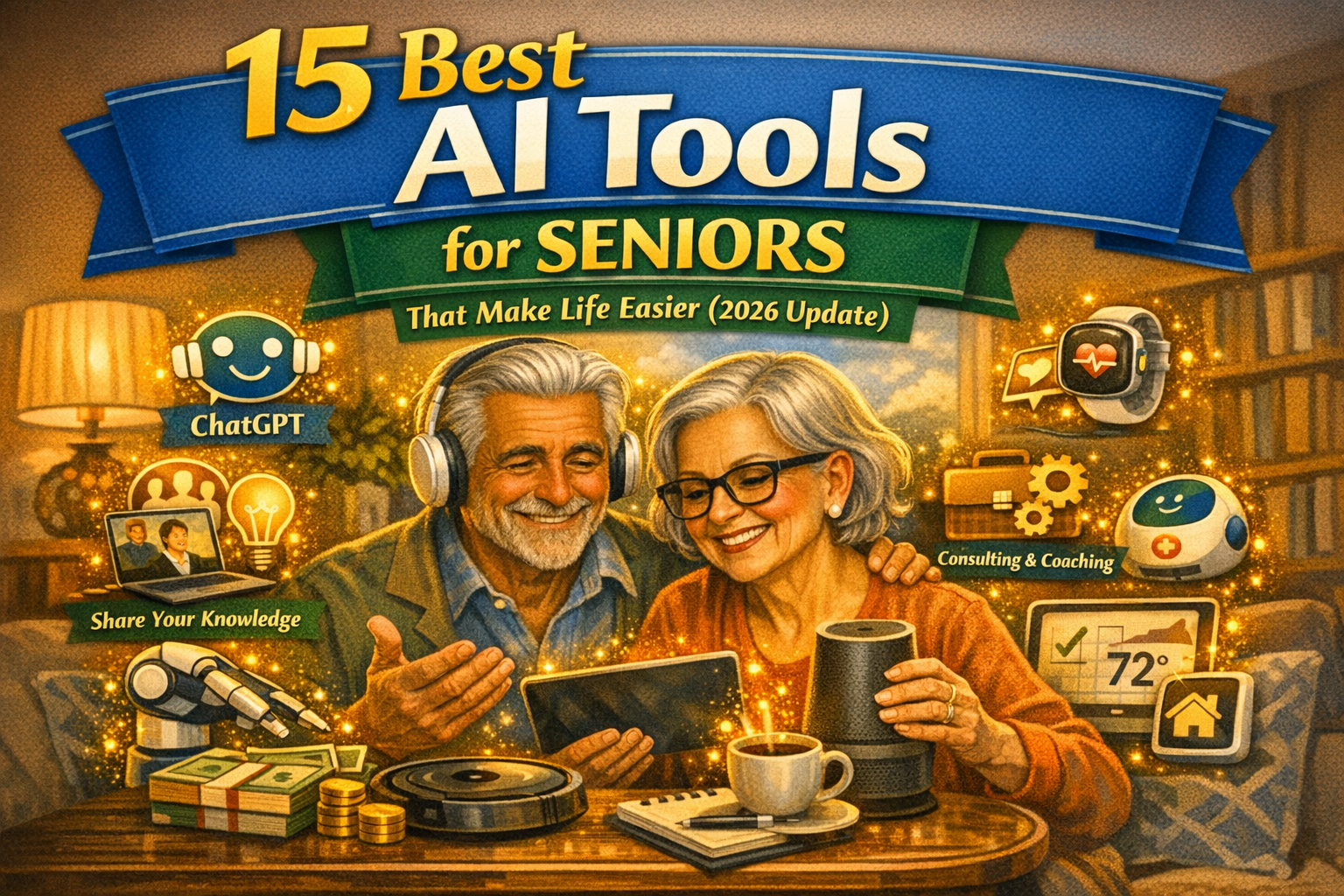
In 2026, technology is no longer a barrier but a bridge for older adults. From personal health monitoring to staying connected with family, AI tools are revolutionizing how we age. The conclusion is simple: AI has moved beyond complex coding to become intuitive, voice-controlled companions that enhance safety, simplify chores, and combat loneliness. Whether it’s an AI that predicts health issues before they arise or a chatbot that helps draft letters to grandchildren, these tools provide independence and peace of mind for both seniors and their loved ones.
👉 “Don’t Just Retire, Bloom Again with AI!”
Are you ready to design a life of purpose, creativity, and connection after 60?
I spent my career accumulating real-world business wisdom. At 70, I discovered a powerful truth: AI isn’t just for the young. It’s the ultimate tool for us to transform our lifelong experience into a legacy.
My debut book, AI for Meaningful Living after 60, is your guide to Bridging the gap between your wisdom and wealth in the digital era.
It’s not about complex coding. It’s about practical steps to use AI to unleash your creativity, deepen your connections, and find daily joy.
👉 [Get Your Practical Guide to a Meaningful Retirement on Amazon Now! (Click Here)]
Why AI is the Ultimate Companion for Modern Seniors
Aging in place is a goal for many, and Artificial Intelligence (AI) is making that safer and more enjoyable than ever. We aren’t talking about “robots taking over,” but rather smart helpers that understand our needs. As someone who is embracing this golden era, I’ve seen how these tools remove the frustration of “tech-headaches” and replace them with simple, verbal interactions.
1. Health and Safety: AI That Watches Over You
1.1. Fall Detection and Movement Tracking (e.g., Apple Intelligence & Smart Sensors)
Falls are a major concern as we age. Modern AI, integrated into smartwatches and home sensors, doesn’t just call for help after a fall—it analyzes gait patterns to predict fall risks.
- How it works: Sensors like those in the latest Apple Watch or home systems like CarePredict use AI to detect “micro-changes” in movement.
- Why it’s easier: You don’t have to press a button; the AI knows when something is wrong and alerts emergency contacts automatically.
1.2. Smart Medication Dispensers (e.g., Pria or Hero)
Remembering multiple pills at different times can be stressful. AI-powered dispensers manage the schedule for you.
- Key Feature: They use facial recognition to ensure the right person gets the right dose and send alerts to caregivers if a dose is missed.
1.3. AI Health Monitoring (e.g., Today’s Health / 오늘건강)
Apps like “Today’s Health” connect with smart scales, blood pressure monitors, and glucose meters. The AI analyzes this data daily and provides personalized health advice, effectively acting as a digital nurse.
How Seniors Can Stay Digitally Independent
2. Emotional Support and Communication
2.1. ElliQ: The Social Robot
ElliQ is specifically designed to combat senior loneliness. Unlike a generic voice assistant, ElliQ initiates conversations, tells jokes, and suggests activities based on your interests.
- The Benefit: It feels like having a proactive roommate who cares about your day.
2.2. SeniorTalk & InTouch AI
These are AI-based companion services that conduct empathetic phone calls. They use Natural Language Processing (NLP) to hold deep, meaningful conversations.
- Pro Tip: These tools can even detect early signs of cognitive decline by analyzing changes in speech patterns and vocabulary.
2.3. Google Gemini for Easy Communication
Struggling to find the right words for an email or a letter? Google Gemini can take a few bullet points and turn them into a beautifully written message.
- Usage: “Gemini, write a warm thank-you note to my grandson for the birthday gift.” It’s that simple.
What is AI? A Simple Explanation for Seniors
3. Daily Life and Productivity
2.1. Amazon Alexa & Google Home (AI-Enhanced)
In 2026, these devices have moved far beyond simple timers. They now feature “Thinking” models that understand context.
- Scenario: You can say, “I’m feeling a bit cold,” and the AI will check the thermostat, see if a window is open, and offer to turn up the heat.
3.2. Perplexity AI: The Modern Encyclopedia
For the curious mind, Perplexity AI is better than Google. It provides direct, sourced answers to any question without making you click through dozens of ads.
- Try this: “What is the best way to care for orchids in the winter?” It gives you a concise summary and cites its sources.
3.3. ChatGPT for Creative Hobbies
Whether you’re writing your memoirs or looking for new recipes based on what’s in your fridge, ChatGPT is an incredible creative partner. It can help you organize your life’s stories into a book format or plan a low-sodium meal in seconds.
4. Mobility and Physical Independence
4.1. AI-Powered Electric Wheelchairs (e.g., Strut ev1)
The latest wheelchairs use LiDAR and AI to navigate obstacles autonomously. This allows seniors with mobility issues to move through crowded spaces or tight hallways without fear of bumping into objects.
4.2. Smart Stoves and Fire Prevention (e.g., iGuardStove)
Forgetfulness in the kitchen is a common worry. AI-driven stove sensors detect when a person has left the room for too long while the burner is on and automatically shut it off.
4.3. Waymo and Autonomous Ridesharing
For seniors who no longer drive, AI-driven taxis like Waymo provide a safe, reliable way to get to doctor’s appointments or social events without relying on busy family members.
5. Mental Sharpness and Cognitive Health
5.1. Brain Training Apps (e.g., Lumosity with AI)
These apps now use AI to adapt the difficulty of puzzles in real-time, ensuring you are always challenged but never frustrated.
5.2. AI Photo Colorization and Organization
Tools like Adobe Firefly or MyHeritage AI can take old, black-and-white family photos and bring them to life in vivid color. It’s a wonderful way to reminisce and share history with younger generations.
5.3. Otter.ai for Memory Support
If you find it hard to remember everything discussed during a doctor’s visit, Otter.ai can record and summarize the meeting into key “action items” so you never miss a detail.

The AI Safety Guide for Seniors Nobody Gave Me When I Started
Summary of the 15 Best AI Tools for Seniors
| Category | Recommended Tools |
|---|---|
| Health & Safety | Apple Watch (Fall Detection), Hero (Meds), Today’s Health |
| Companionship | ElliQ, SeniorTalk, InTouch AI |
| Communication | Google Gemini, ChatGPT, WhatsApp AI |
| Daily Living | Amazon Alexa, Perplexity AI, iGuardStove |
| Mobility & Memory | Strut ev1 (Wheelchair), Otter.ai, MyHeritage AI |
Final Thoughts & Key Tips for Success
Embracing AI doesn’t mean you have to be a “tech genius.” The most important thing is to start small. Choose one tool—perhaps a voice assistant or a health tracker—and get comfortable with it before adding more.
💡 Key Tips for Seniors:
- Use Voice Commands: Whenever possible, use your voice. It’s much easier than typing on small screens.
- Privacy First: Ensure your family members help you set up privacy settings so your data stays secure.
- Don’t Be Afraid to “Break” It: You can’t break AI by asking it questions. Experiment and have fun!
- Involve Your Family: Make setting up these tools a bonding activity with your kids or grandkids.
AI is here to serve us, making our lives safer, more connected, and infinitely more convenient. There has never been a better time to be a “Tech-Savvy Senior.”

How Seniors Can Use AI for Daily Life Tasks
“Age is just a number. Don’t let AI intimidate you anymore.”
As a 71-year-old musician, I did it—and so can you. The world is changing rapidly, but AI is not here to leave us behind. Instead, it is the kindest assistant, ready to connect our lifelong experiences with the world.
I’ve removed all the confusing technical jargon and written my second book, <AI Made Simple for Seniors>, specifically from a senior’s perspective with clarity and ease. Let me walk beside you as you begin the second act of your digital life.
👉 [Click here to explore ‘AI Made Simple for Seniors’]

Leave a Reply