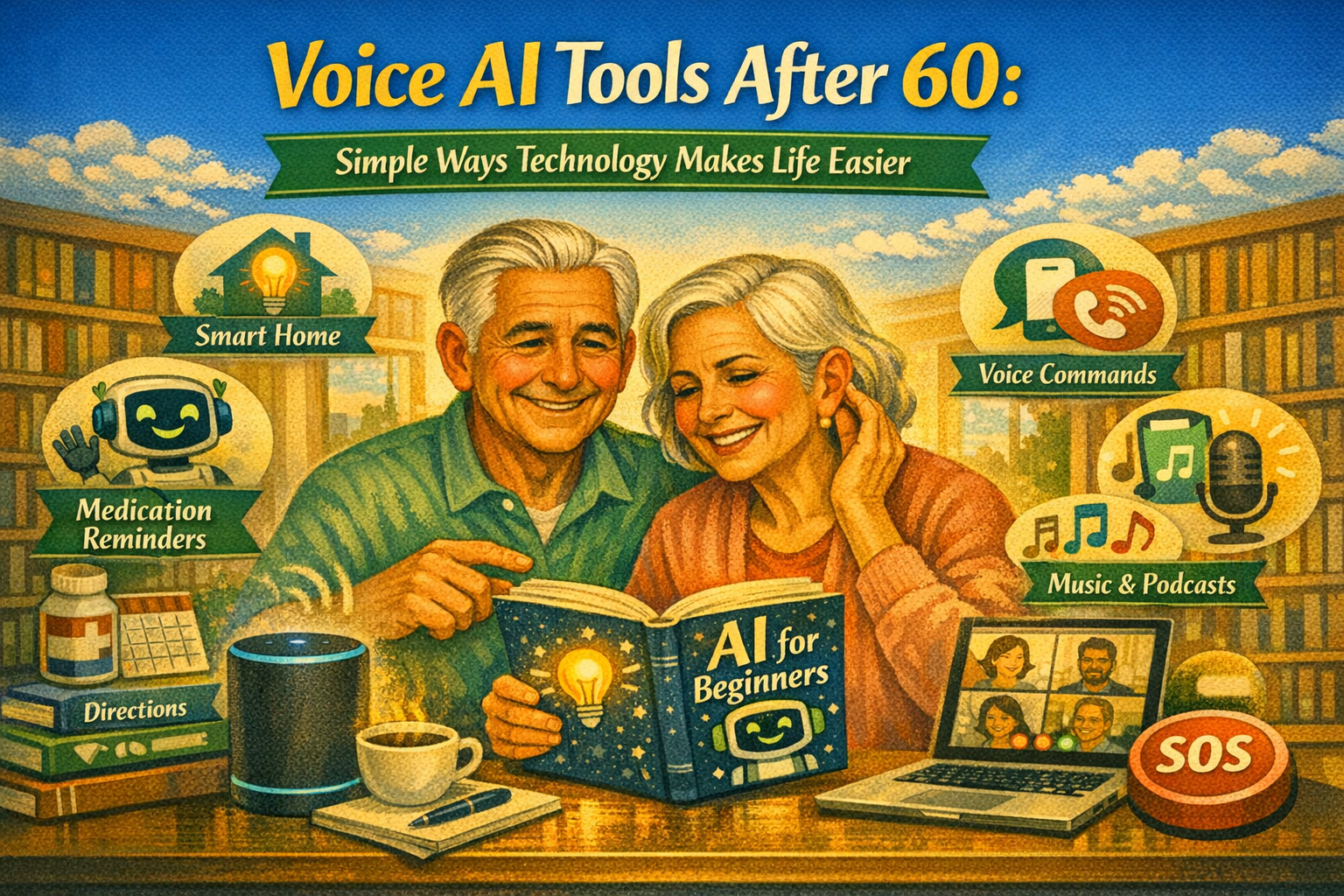
Voice Assistants and Hands-Free Technology Explained Simply
Conclusion First: Voice AI Can Make Daily Life After 60 Simpler, Safer, and More Comfortable
👉 “Don’t Just Retire, Bloom Again with AI!”
Are you ready to design a life of purpose, creativity, and connection after 60?
I spent my career accumulating real-world business wisdom. At 70, I discovered a powerful truth: AI isn’t just for the young. It’s the ultimate tool for us to transform our lifelong experience into a legacy.
My debut book, AI for Meaningful Living after 60, is your guide to Bridging the gap between your wisdom and wealth in the digital era.
It’s not about complex coding. It’s about practical steps to use AI to unleash your creativity, deepen your connections, and find daily joy.
👉 [Get Your Practical Guide to a Meaningful Retirement on Amazon Now! (Click Here)]
Let’s begin with the most important point.
Voice AI technology is one of the most useful innovations for people over 60. It allows you to control technology simply by speaking.
No complicated typing.
No confusing menus.
No difficult learning curve.
Instead, you just talk.
Voice assistants such as Alexa, Google Assistant, and Siri can help with daily tasks. They can remind you about appointments, play music, answer questions, control lights, and even help you contact family members.
For many seniors, these tools are not just convenient. They make everyday life easier, safer, and more independent.
Voice AI also reduces the need to constantly look at screens or use small smartphone keyboards. With simple voice commands, you can get information, manage your schedule, and control smart devices around your home.
In this article, we will explore how voice AI tools work, why they are useful for seniors, and how hands-free technology can simplify daily life after 60.
The AI Safety Guide for Seniors Nobody Gave Me When I Started
Understanding Voice AI Technology
What Is Voice AI?
Voice AI refers to technology that allows computers to understand spoken language.
Instead of typing instructions, you simply speak.
The system listens to your voice, processes your request, and responds with useful information or actions.
Examples include:
- Asking for the weather
- Setting reminders
- Playing music
- Searching the internet
Voice AI systems combine several technologies:
- Speech recognition
- Artificial intelligence
- Internet connectivity
Together, these technologies allow devices to understand human speech and respond intelligently.
15 Best AI Tools for Seniors That Make Life Easier (2026 Update)
Why Voice Technology Is Perfect for Seniors
Many modern technologies require small screens and complex menus.
This can be frustrating for some people, especially if vision or dexterity changes with age.
Voice technology removes those barriers.
Instead of navigating complicated interfaces, you simply speak naturally.
For example:
“Alexa, what time is my doctor appointment tomorrow?”
Within seconds, the assistant provides the answer.
Voice interaction feels more natural because it mimics normal conversation.
A friendly senior speaking to a smart speaker in a comfortable living room while the device responds with helpful information.

What is AI? A Simple Explanation for Seniors
Popular Voice Assistants Explained Simply
Amazon Alexa
Alexa is one of the most widely used voice assistants.
It is built into devices such as the Amazon Echo.
Users can ask Alexa to perform many tasks.
Examples include:
- Setting alarms and reminders
- Playing music or radio
- Checking news updates
- Controlling smart home devices
Alexa can also connect with many third-party services, making it very versatile.
For seniors, the ability to manage daily routines with voice commands is extremely helpful.
Google Assistant
Google Assistant is another powerful voice AI system.
It is available on:
- Android phones
- Google Nest smart speakers
- Smart displays
Google Assistant excels at answering questions because it uses Google’s powerful search engine.
You can ask questions like:
“What is the weather tomorrow?”
“How far is the nearest pharmacy?”
“What time does the grocery store open?”
The assistant quickly provides accurate answers.
Apple Siri
Siri is Apple’s voice assistant.
It works on devices such as:
- iPhones
- iPads
- Mac computers
- Apple Watch
Siri integrates closely with Apple’s ecosystem.
It can send messages, schedule reminders, and control smart home devices.
For seniors who already use Apple products, Siri is often the easiest assistant to start using.
A simple comparison illustration showing three voice assistants—Alexa, Google Assistant, and Siri—responding to voice commands.

Everyday Tasks Voice AI Can Handle
Setting Reminders and Schedules
One of the most valuable uses of voice assistants is setting reminders.
For example:
“Alexa, remind me to take my medication at 8 PM.”
The assistant will alert you at the specified time.
This feature helps people stay organized and reduces the risk of forgetting important tasks.
Managing Daily Information
Voice assistants can provide quick answers to everyday questions.
Examples include:
- Weather forecasts
- News updates
- Traffic information
- Sports scores
Instead of searching on a computer or phone, you simply ask.
This saves time and effort.
Entertainment and Relaxation
Voice AI also makes entertainment easier.
You can request:
- Music playlists
- Audiobooks
- Podcasts
- Radio stations
For seniors who enjoy listening to stories or music, voice commands provide a convenient experience.
Hands-Free Smart Home Technology
Controlling Lights and Appliances
Voice assistants can connect to smart home devices.
These devices include:
- Smart lights
- Smart thermostats
- Smart plugs
Once connected, you can control them with voice commands.
For example:
“Alexa, turn off the living room lights.”
This feature is particularly helpful for individuals with mobility challenges.
Improving Home Safety
Voice AI can also contribute to home safety.
For instance:
- Smart cameras can provide security alerts.
- Smart doorbells can announce visitors.
- Emergency contacts can be called quickly through voice commands.
These features provide peace of mind for seniors living independently.
Simplifying Daily Routines
Many voice assistants allow routines to be created.
A routine is a sequence of actions triggered by a single command.
For example:
“Good morning.”
The assistant might respond by:
- Turning on the lights
- Reading the weather forecast
- Playing morning news
This automation simplifies everyday routines.
A smart home scene where a senior uses voice commands to control lights, temperature, and music through a smart speaker.

How Voice AI Reduces Technology Stress
No Need for Complex Typing
Typing on small phone keyboards can be difficult.
Voice commands remove the need for typing.
You simply speak naturally.
This makes technology much more accessible.
Faster Access to Information
Voice AI allows instant access to information.
Instead of opening multiple apps, you ask one question.
The assistant provides the answer immediately.
Learning Is Surprisingly Easy
Many seniors initially worry that AI technology is too complicated.
In reality, voice assistants are designed to be simple.
Most people learn basic commands within a few days.
Practice builds confidence quickly.
A senior smiling while comfortably using voice commands to check the weather and control home devices.

Practical Tips for Getting Started
Start With Simple Commands
Begin with easy tasks.
Examples include:
- Asking the weather
- Setting alarms
- Playing music
Once you become comfortable, explore additional features.
Place Devices in Convenient Locations
Smart speakers work best when placed in common areas.
Examples include:
- Living rooms
- Bedrooms
- Kitchens
This allows you to access voice commands easily throughout your home.
Practice Daily
Using voice AI regularly helps you remember commands.
Within a few weeks, the technology will feel natural.
The Future of Voice AI for Seniors
Voice technology continues to evolve.
Future systems may include:
- More natural conversations
- Better health monitoring
- Improved home automation
These innovations will likely make daily life even easier for older adults.
Voice AI may become one of the most important technologies for independent living.
Summary
Voice AI tools provide simple and practical support for people over 60.
Voice assistants such as Alexa, Google Assistant, and Siri allow users to control technology through natural conversation.
These tools can help manage reminders, access information, control smart home devices, and enjoy entertainment.
Hands-free technology reduces complexity and allows seniors to stay independent while benefiting from modern technology.
As voice AI continues to improve, it will likely become an essential part of everyday life.
Key Tips for Using Voice AI After 60
✔ Start with simple voice commands
✔ Place smart speakers in convenient locations
✔ Use reminders for medications and appointments
✔ Explore smart home features gradually
✔ Practice using voice commands daily
✔ Remember that voice AI is designed to help, not complicate life
Voice technology is not about replacing human connection.
It is about making daily life simpler, safer, and more comfortable—especially for those who want to stay independent and active after 60.
Is It Too Late to Start Over at 70?
“Age is just a number. Don’t let AI intimidate you anymore.”
As a 71-year-old musician, I did it—and so can you. The world is changing rapidly, but AI is not here to leave us behind. Instead, it is the kindest assistant, ready to connect our lifelong experiences with the world.
I’ve removed all the confusing technical jargon and written my second book, <AI Made Simple for Seniors>, specifically from a senior’s perspective with clarity and ease. Let me walk beside you as you begin the second act of your digital life.
👉 [Click here to explore ‘AI Made Simple for Seniors’]

Leave a Reply