Conclusion first:
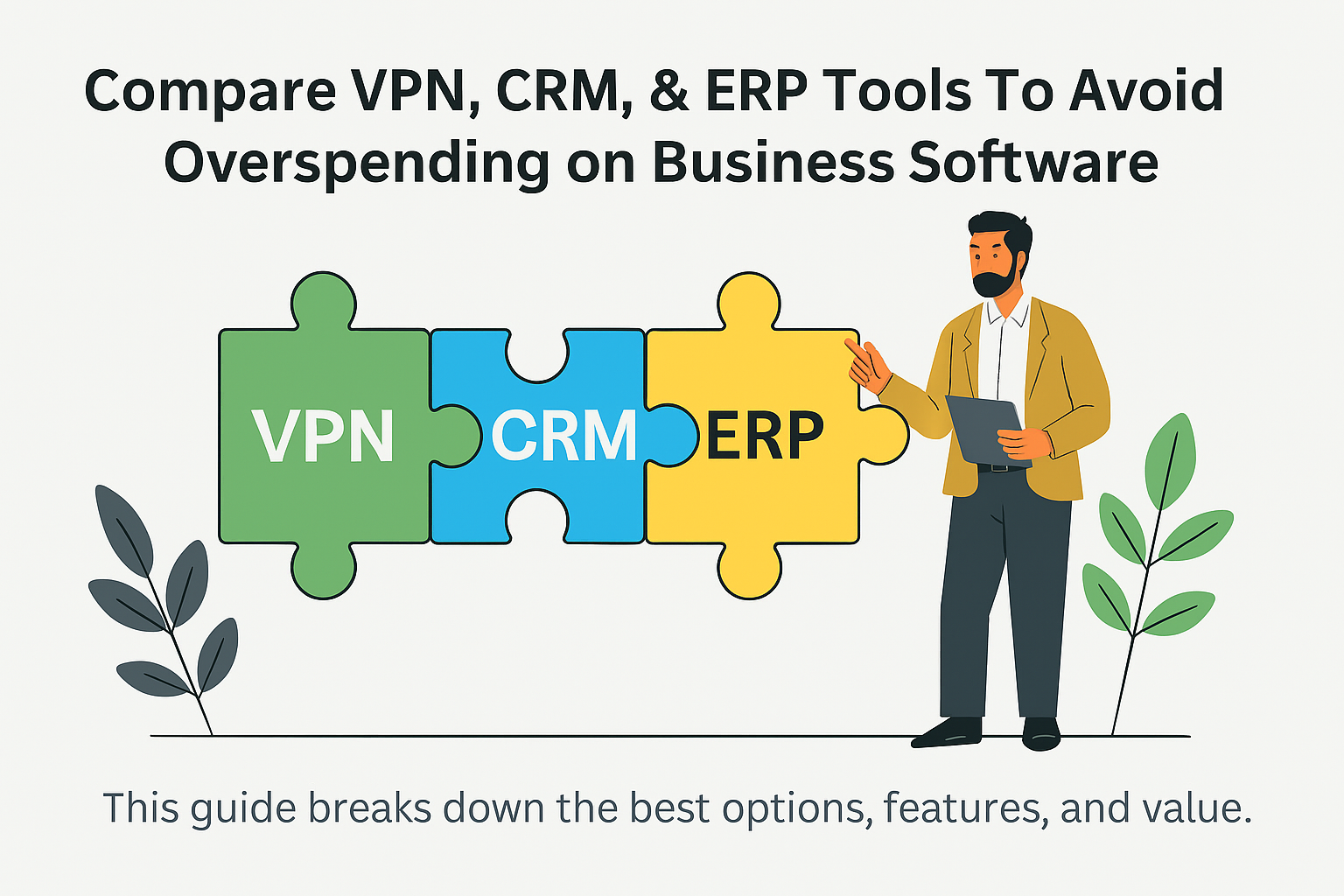
If you want to avoid overspending on expensive business software, you must compare VPN, CRM, and ERP tools before subscribing. Proper comparison helps you cut costs, boost productivity, and choose software that actually fits your business—not just the most popular brand.
This guide breaks down the best options, what features matter, and which tools offer the best value.
🏆 Best CRM Software for Small Businesses & Solopreneurs
CRM subscriptions can get expensive fast. That’s why choosing the right one matters.
1. What Makes a Good CRM?
A strong CRM should offer:
- Easy customer tracking
- Email or SMS automation
- Sales pipeline visibility
- Integration with your existing tools
You don’t need every feature—just the ones that help you grow.
2. Top CRM Platforms Compared
HubSpot CRM – Best Free Starter Plan
- $0 to start
- Simple, clean dashboard
- Ideal for freelancers and startups
- Paid features can get pricey
Zoho CRM – Best Value
- Affordable plans under $20/month
- Highly customizable
- Great for small teams
Salesforce – Best for Growing Companies
- Industry standard
- Deep automation and analytics
- Higher learning curve and higher cost
If you’re a solopreneur → HubSpot or Zoho.
If you’re scaling fast → Salesforce.
🎵 How a Hobby Can Turn Into Money
🔐 Cheapest & Most Reliable VPN for Streaming
Streaming-friendly VPNs are among the most-searched tech tools. But many VPNs overcharge.
1. What You Actually Need
For streaming, focus on:
- Fast servers
- Access to Netflix, Hulu, Disney+, Prime
- No bandwidth caps
- Apps for all devices
Security features matter too, but speed and access are the priority.
2. Best Budget VPNs for Streaming
Surfshark – Best Overall Value
- Unlimited devices
- Very fast
- Excellent for Netflix & Prime Video
- Low cost compared to competitors
NordVPN – Best for Security + Speed
- Strong encryption
- Reliable Netflix access
- Slightly higher price
ProtonVPN – Best Free Option
- Limited servers on free plan
- Still fast
- No data limits
If you need a cheap, high-quality VPN → Surfshark is the sweet spot.
Invisible Systems: The New Rules of Financial Resilience in 2026
🏢 ERP Software Comparison: Powerful but Pricey
ERP tools are the backbone of product-based or operations-heavy businesses.
1. What an ERP Should Do Well
A great ERP provides:
- Inventory management
- Finance & accounting tools
- HR & payroll integration
- Manufacturing / supply chain modules
- Real-time reporting
You only need ERP if your business has complex operations.
2. Best ERP Platforms Compared
Odoo – Best for Startups & SMBs
- Modular, pay only for what you use
- Open-source flexibility
- Low starting cost
SAP Business One – Best for Mid-Size Companies
- Industry-leading reliability
- Expensive, but powerful
NetSuite – Best for Fast-Scaling Businesses
- Cloud-based
- Great reporting
- High monthly subscription
For most small businesses, Odoo offers the best value.
For larger operations, NetSuite and SAP dominate the market.
🧾 Summary & Key Tips
✔ Summary
Comparing business software is essential because:
- CRM tools help you manage customers efficiently
- VPNs keep your browsing private and ensure smooth streaming
- ERPs integrate business operations into one dashboard
Choosing wisely saves you money and boosts productivity.
✔ Key Tips
- Avoid buying the “most popular” tool—pick what fits your workflow
- Start with free trials before committing
- Track how much of the software you actually use
- Reassess subscriptions every 6–12 months
- Don’t pay for features your business doesn’t need
Leave a Reply