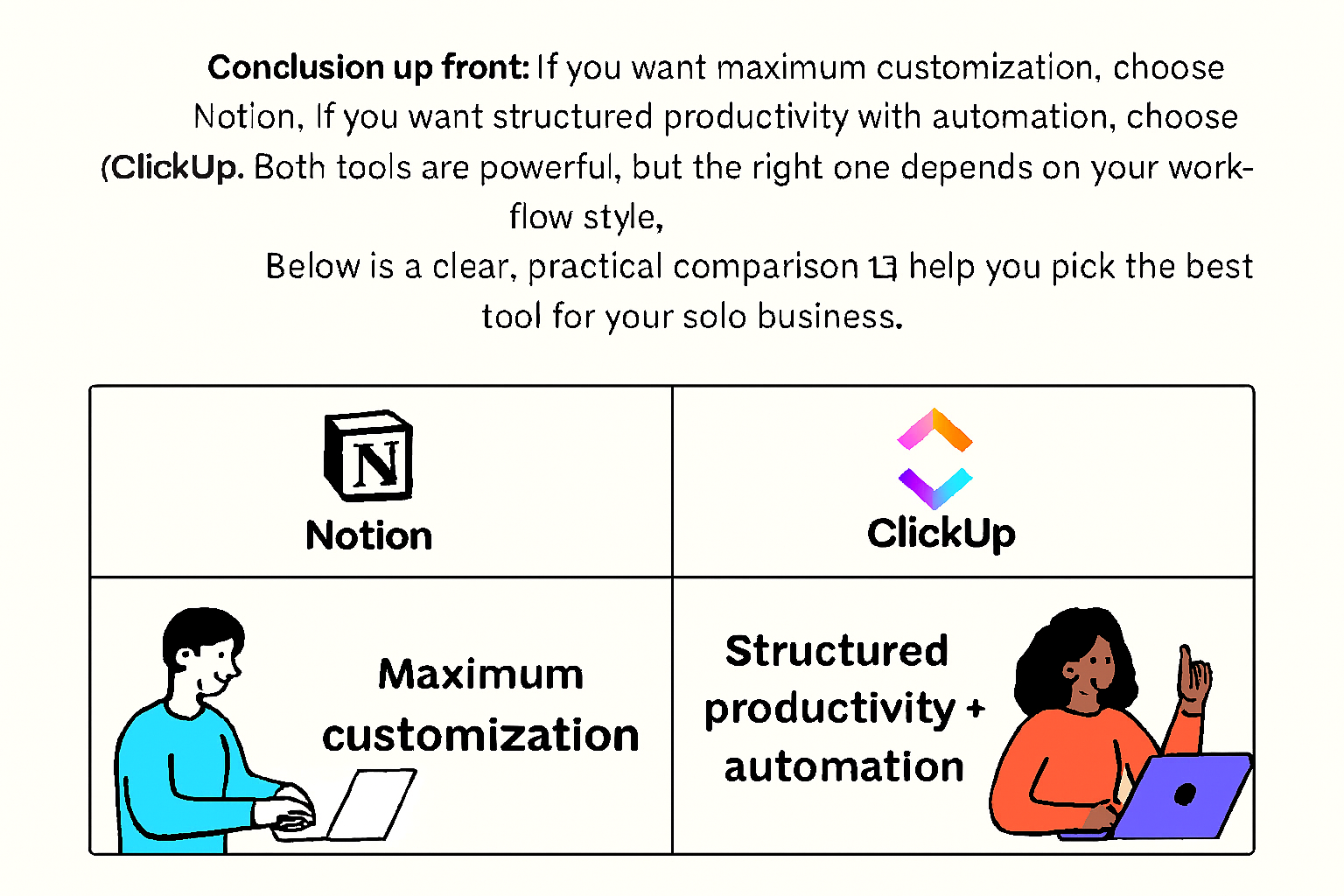
Conclusion First: Choose the Tool That Matches How Your Mind Works
If you want maximum customization and creative freedom, choose Notion.
If you want structured productivity with powerful automation, choose ClickUp.
That is the honest answer.
Both tools are strong.
Both can support a solo business.
But they are built for different types of thinkers.
Notion is flexible and creative.
ClickUp is structured and operational.
The real question is not which tool is better.
The real question is:
How do you work best?
If you are building a solo business — especially starting a second career after 60 — the right productivity system can reduce stress, increase income potential, and protect your time.
This guide gives you a clear, practical, experience-based comparison.
No hype.
No marketing fluff.
Just real insight.
Why This Comparison Matters More Than You Think
Most solopreneurs fail not because of skill.
They fail because of disorganization.
Ideas get lost.
Deadlines get missed.
Energy gets drained.
When you work alone, your system is your safety net.
For seniors exploring AI tools or practical online income ideas, simplicity and structure are even more important.
You do not need complexity.
You need clarity.
“A confident senior entrepreneur working at a tidy desk with a laptop displaying a split screen labeled Notion and ClickUp, warm natural lighting, calm productivity atmosphere.”

Quick Comparison Overview
| Feature | Notion | ClickUp |
|---|---|---|
| Customization | ⭐⭐⭐⭐⭐ | ⭐⭐⭐⭐ |
| Automation | ⭐⭐⭐ | ⭐⭐⭐⭐⭐ |
| Ease of Setup | Moderate | Moderate–Advanced |
| Best For | Creators, planners, thinkers | Task managers, service providers |
| Free Plan | Yes | Yes |
| Overwhelm Risk | Low–Moderate | Moderate–High |
This table is helpful.
But it does not tell the full story.
Let’s go deeper.
Notion: The Flexible Digital Brain
What Notion Actually Is
Notion is not just a task manager.
It is a modular workspace.
You can create:
- Notes
- Databases
- Dashboards
- CRMs
- Content planners
- Journals
- Project boards
Everything lives in one connected system.
It feels like building your own office.
Strength #1 — Full Customization
Notion is powerful because it does not force structure.
You design your workflow.
You choose:
- What fields to track
- How pages connect
- How information appears
This is ideal for:
- Bloggers
- Writers
- Course creators
- Knowledge entrepreneurs
Especially those exploring AI for seniors and content-based income.
Why Creators Love It
If you:
- Write blog posts
- Plan newsletters
- Organize YouTube scripts
- Track affiliate links
- Build digital products
Notion becomes your central hub.
You can:
Draft content with AI.
Store drafts in Notion.
Track publishing dates.
Monitor performance metrics.
It is clean.
It is minimal.
It feels calm.
Weakness — Limited Native Automation
Notion can automate some actions.
But complex workflows require tools like:
- Zapier
- Make
If your income depends on recurring client tasks, this can feel limiting.
Notion excels at thinking.
ClickUp excels at doing.
“A modern digital workspace interface showing Notion with organized content boards, calendar view, clean typography, and a minimalist aesthetic.”

ClickUp: The Structured Productivity Engine
What ClickUp Is Designed For
ClickUp is built for execution.
It is a task-first system.
It assumes:
You have deadlines.
You have deliverables.
You have recurring workflows.
And it organizes everything accordingly.
Strength #1 — Advanced Automation
ClickUp shines in automation.
You can:
- Set recurring tasks
- Auto-assign responsibilities
- Trigger actions based on status
- Update fields automatically
For solopreneurs managing clients, this saves mental energy.
If you are running practical AI income ideas — such as freelance writing, consulting, or digital services — automation reduces burnout.
Strength #2 — Built-In Time & Goal Tracking
ClickUp includes:
- Time tracking
- Goal dashboards
- Workload management
- Progress visualization
This is powerful for:
- Freelancers
- Virtual assistants
- Consultants
- Agencies of one
You see everything clearly.
Weakness — Feature Overload
ClickUp is powerful.
But power can overwhelm.
New users often feel:
- Too many menus
- Too many settings
- Too many configuration options
For seniors starting a second career after 60, this can create hesitation.
It requires patience during setup.
“A professional dashboard-style productivity interface labeled ClickUp with charts, task columns, automation icons, and performance metrics visible.”

Which Tool Is Better for Second Career After 60?
Choose Based on Mental Style
Ask yourself:
Do I enjoy designing systems?
Or do I prefer structured templates?
If you like flexibility → Notion.
If you like predefined organization → ClickUp.
There is no wrong answer.
Only alignment.
Real-World Scenarios
Scenario 1 — Retired Teacher Starting a Blog
Needs:
- Content calendar
- Research storage
- Writing drafts
- Idea database
Best choice: Notion.
Why?
It supports creativity and organization together.
Scenario 2 — Retired Engineer Offering Consulting Services
Needs:
- Client task tracking
- Recurring meetings
- Deadline management
- Invoice reminders
Best choice: ClickUp.
Why?
Automation reduces repetition.
Can You Use Both?
Yes.
Many experienced solopreneurs do.
Use:
Notion → Knowledge & content
ClickUp → Tasks & execution
This hybrid system works well once your business grows.
But beginners should start with one.
Keep it simple.
How AI Integrates with Both Tools
If you are exploring AI for seniors, both tools support AI integration.
You can:
- Generate blog outlines
- Draft email campaigns
- Create marketing ideas
- Plan product launches
AI produces ideas.
Your productivity tool organizes them.
AI does not replace you.
It supports you.
“A senior solopreneur reviewing an AI-generated content outline on a laptop while organizing tasks in a productivity dashboard, calm and focused setting.”

Common Mistakes to Avoid
Overbuilding Your System
Many solopreneurs spend weeks building dashboards.
Then they stop using them.
Start simple.
Add complexity later.
Switching Tools Too Often
Tool hopping wastes time.
Choose one.
Commit for 30 days.
Evaluate after.
Confusing Productivity with Progress
A beautiful dashboard does not equal income.
Focus on:
- Shipping content
- Serving clients
- Delivering value
Tools support work.
They are not the work.
Long-Term Recommendation
If your business is:
Content-focused → Start with Notion.
Service-focused → Start with ClickUp.
After 3–6 months, reassess.
Growth changes needs.
Summary
Notion is creative and customizable.
ClickUp is structured and automated.
For solopreneurs, the right tool reduces stress.
For seniors building a second career after 60, simplicity and clarity matter more than features.
Choose the tool that matches your thinking style.
Consistency beats complexity.
Key Tips
✔ Try both tools using free plans
✔ Spend 3–5 focused days testing each
✔ Start with templates
✔ Avoid building unnecessary dashboards
✔ Use AI to support, not replace, your thinking
✔ Review your workflow monthly
✔ Keep your system minimal
The best productivity system is not the most advanced.
It is the one you open every morning without resistance.
Choose wisely.
Build steadily.
And remember:
Tools do not build businesses.
People do.
Title: How to Watch Korean TV in Canada Without Monthly Fees (Surrey, BC Life)
Living in Surrey, BC, there are many times when I truly miss watching Korean dramas and news. However, the monthly cable TV bills are often more burdensome than expected.
I used to worry a lot about the high costs from major providers like Rogers or Bell. Then, I happened to discover this [Amazon TV Kit Link] on Amazon, and since then, I’ve been enjoying Korean broadcasts to my heart’s content without any worries about monthly fees.
What I love most about this product are:
- Simple Installation: It is so easy to set up that even seniors can use it without any trouble.
- No Recurring Costs: Once you purchase it, there are absolutely no monthly subscription fees.
- Clear Picture Quality: The high-definition quality makes the viewing experience very satisfying.
Stream Your Favorites Faster & Better! 📺
Why wait? Upgrade to Amazon Fire TV and enjoy lightning-fast streaming and thousands of apps at your fingertips. It’s time to level up your TV game! 🚀
Leave a Reply